
Your Google Performance data shows how your business performs on Google Maps, Search, and your Business Profile. Use it to understand your visibility, how customers are finding you, and where there's room to improve.
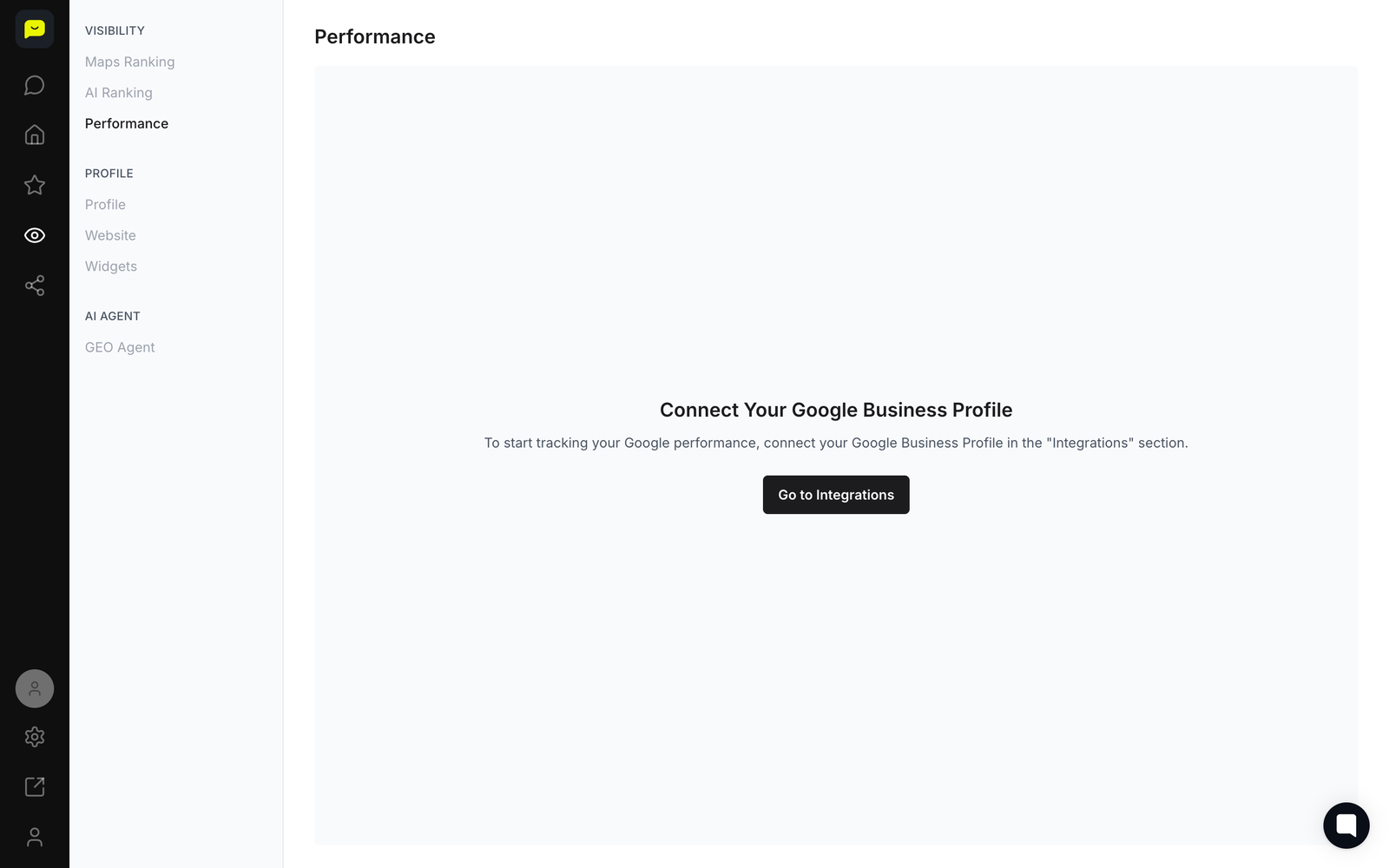
Reading your Google Performance metrics
Open the Visibility section in the left-hand navigation and click Performance to access your Google-specific analytics.
Google performance data is kept separate from other platforms so you can focus on what affects your local search visibility.
Review your impressions and clicks under the Get Found summary to see how customers are discovering your business through Google Search and Maps.
This section shows last month's impressions and clicks so you can track whether your search presence is growing over time.
Analyze your Maps and AI ranking trends to understand how your business is performing in local map results and AI-powered search experiences.
Your Average Maps Ranking and Average AI Ranking show how visible you are to nearby customers actively searching for businesses like yours.
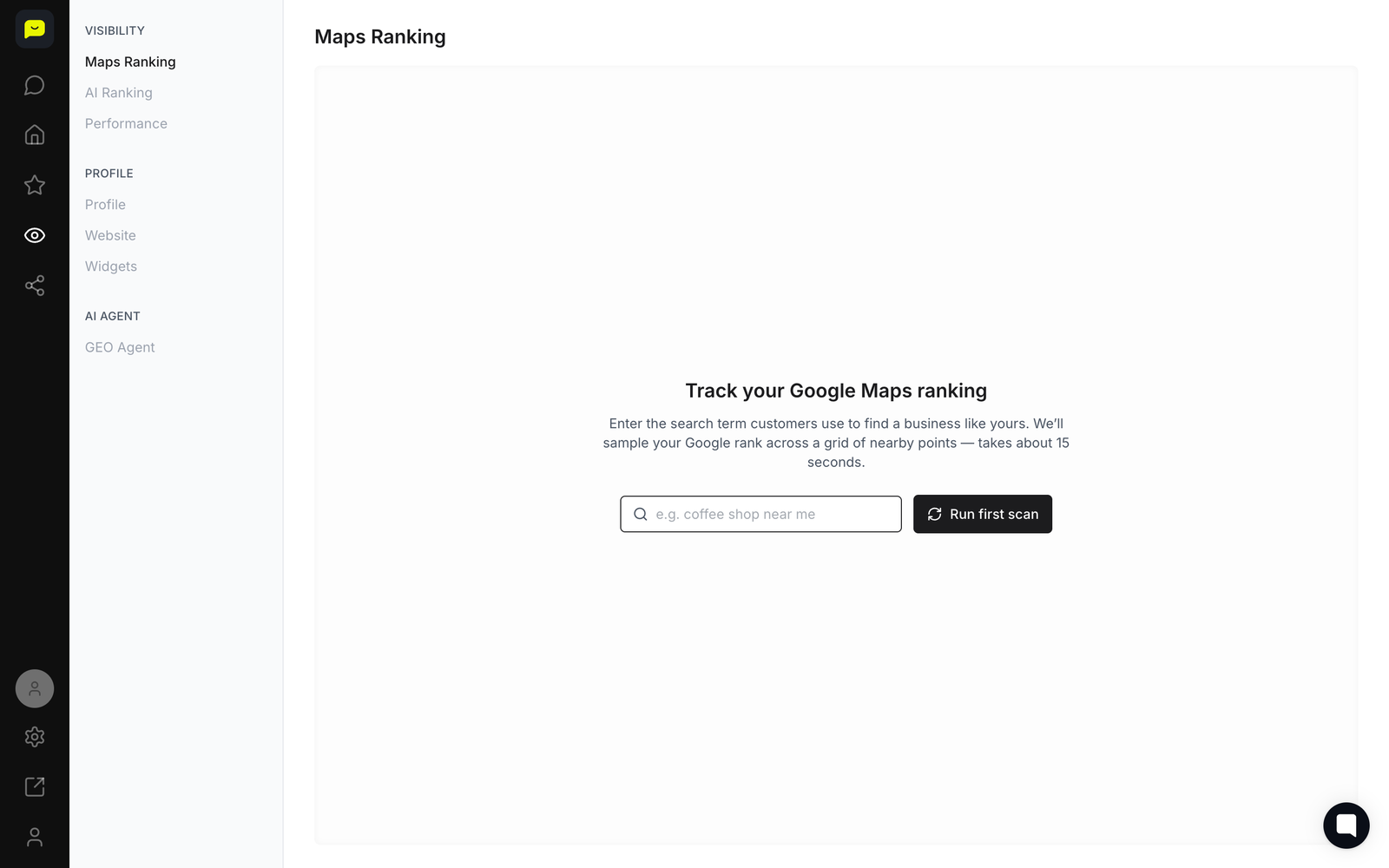
Check your Maps Ranking detail by navigating to Visibility → Maps Ranking in the left-hand nav for a deeper breakdown of how your listing ranks across local searches.
Many customers find local businesses through location-based searches, so this view is worth checking regularly.
Monitor your review trends by navigating to Reputation → Analytics to see review velocity, response rates, and sentiment tied to your Google reviews.
Google reviews have a real effect on local search rankings, so keeping an eye on these numbers helps you stay competitive.
Review AI Sentiment data by selecting Reputation → AI Sentiment to see which themes and keywords are shaping how AI platforms and customers perceive your business.
This data can help you refine your business description and review responses for better visibility and credibility.

What's Next?
How to navigate your Praising.ai dashboard - Learn to efficiently use all dashboard features
How to set up integrations with other platforms - Connect additional review platforms for broader monitoring
How to manage your business listings across platforms - Optimize your presence on all major platforms simultaneously
 Open your dashboard →