
Your Google Performance data shows how your business performs on Google Maps, Search, and your Business Profile. Use it to understand your visibility, how customers are finding you, and where there's room to improve.
Following your Google visibility
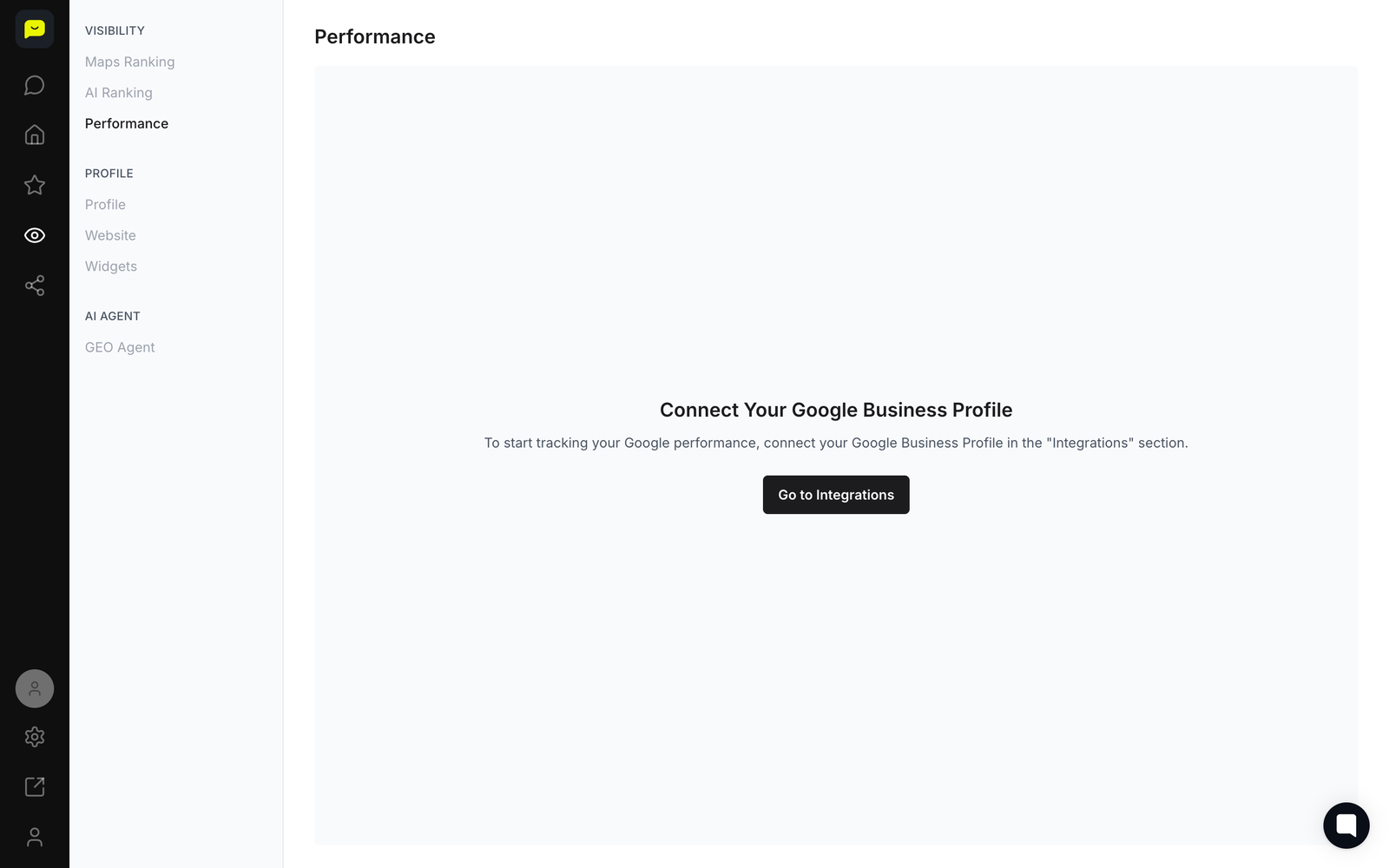
Open the Visibility section in the left-hand navigation and click Performance to access your Google-specific analytics.
Google performance data is kept separate from other platforms so you can focus on what affects your local search visibility.
Watch your reviews and rating on Home, in the Build Trust card, which charts your Total Reviews and Average Rating month by month.
Use it to see whether your reviews and rating are growing. Impressions and clicks aren't charted yet: Home's Win Customers card reads Impressions and clicks aren't tracked yet, because Praising doesn't receive view or click counts for your Google profile.
Follow your Maps and AI ranking over time on Home, in the Get Found card, which plots your Maps and AI ranking checks, one dot per check.
Your Average Maps Ranking and Average AI Ranking show how visible you are to nearby customers actively searching for businesses like yours.
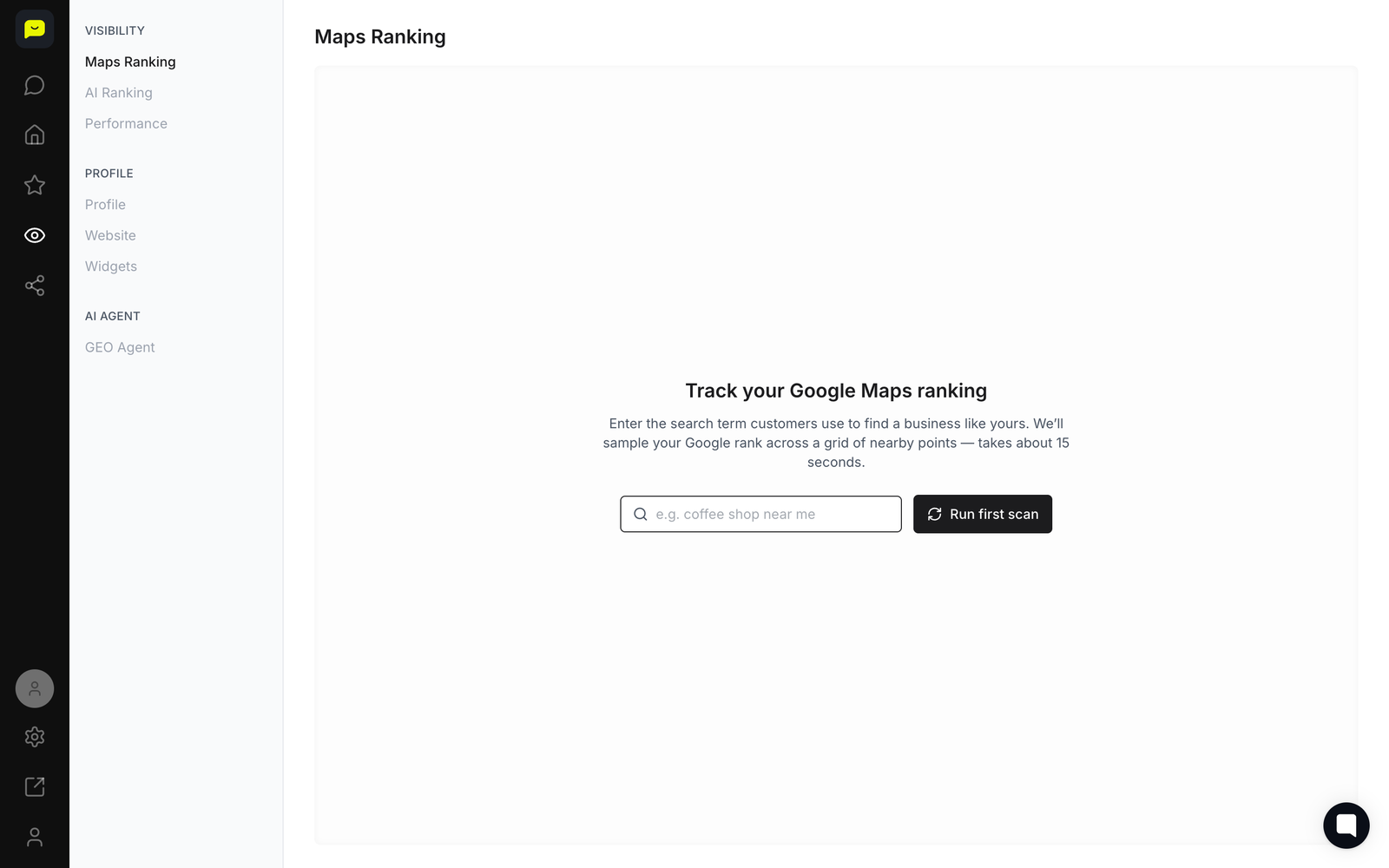
Check your Maps Ranking detail by navigating to Visibility → Maps Ranking in the left-hand nav for a deeper breakdown of how your listing ranks across local searches.
Many customers find local businesses through location-based searches, so this view is worth checking regularly.
Monitor your review trends in Reputation → Analytics (paid plans) to see your reviews and rating over time, your response rate, your star ratings and where your reviews come from.
Google reviews have a real effect on local search rankings, so keeping an eye on these numbers helps you stay competitive.
Read your AI Sentiment report under Reputation → AI Sentiment: a summary of what your recent reviews and private feedback say, what's going well, what to improve and an action plan. Click Refresh at the bottom to run it again.
This data can help you refine your business description and review responses for better visibility and credibility.

What's Next?
How to navigate your Praising.ai dashboard - Learn to efficiently use all dashboard features
How to set up integrations with other platforms - Connect Google and Trustpilot, and link your other review sites
How to check your Google Business Profile - See what your Google profile is missing, with a link to fix each item on Google
 Open your dashboard →