Your Home page is where you see how your online reputation is doing at a glance. It shows your ratings, your review count and average rating over time, and your Maps and AI ranking checks, so you can track progress and spot areas that need attention.
Home is on every plan, Forever Free included. Its review numbers come from the reviews Praising imports, so connect Google or Trustpilot under Settings → Integrations first. Other review sites can be linked, but their reviews aren't imported.
View your current rating status and overall performance
Navigate to Home in the left-hand navigation. At the top of the page you'll see your business name, address, and your current overall rating. Just below that, the Results since joining section gives you a quick summary of everything Praising.ai has tracked since your account was created.
Review your Build Trust metrics
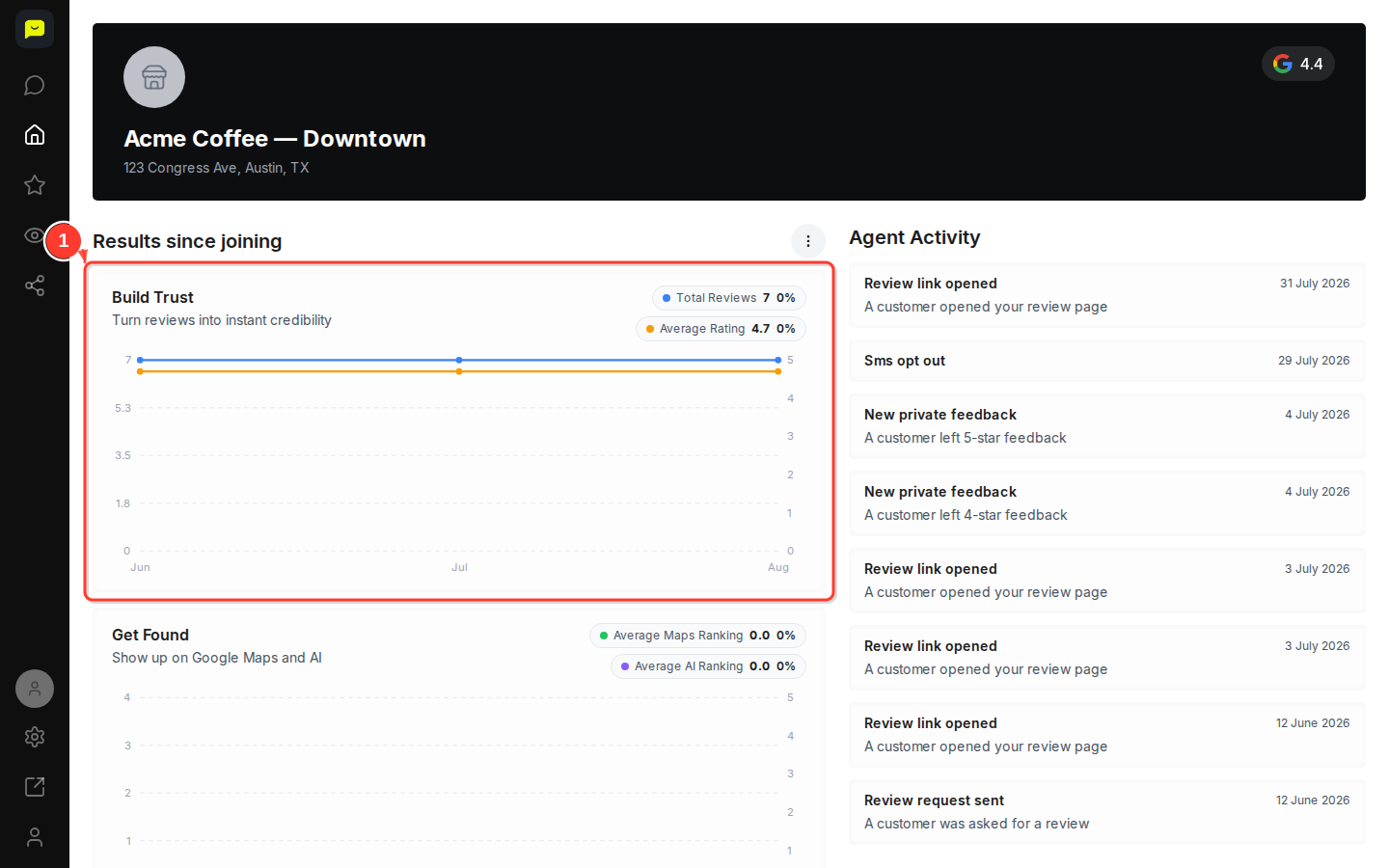
The Build Trust section shows how your reviews are building credibility. You'll see your Total Reviews count and Average Rating, each with a percentage change indicator. The chart beneath them plots both metrics month-by-month so you can spot trends at a glance.
Check your Get Found visibility metrics
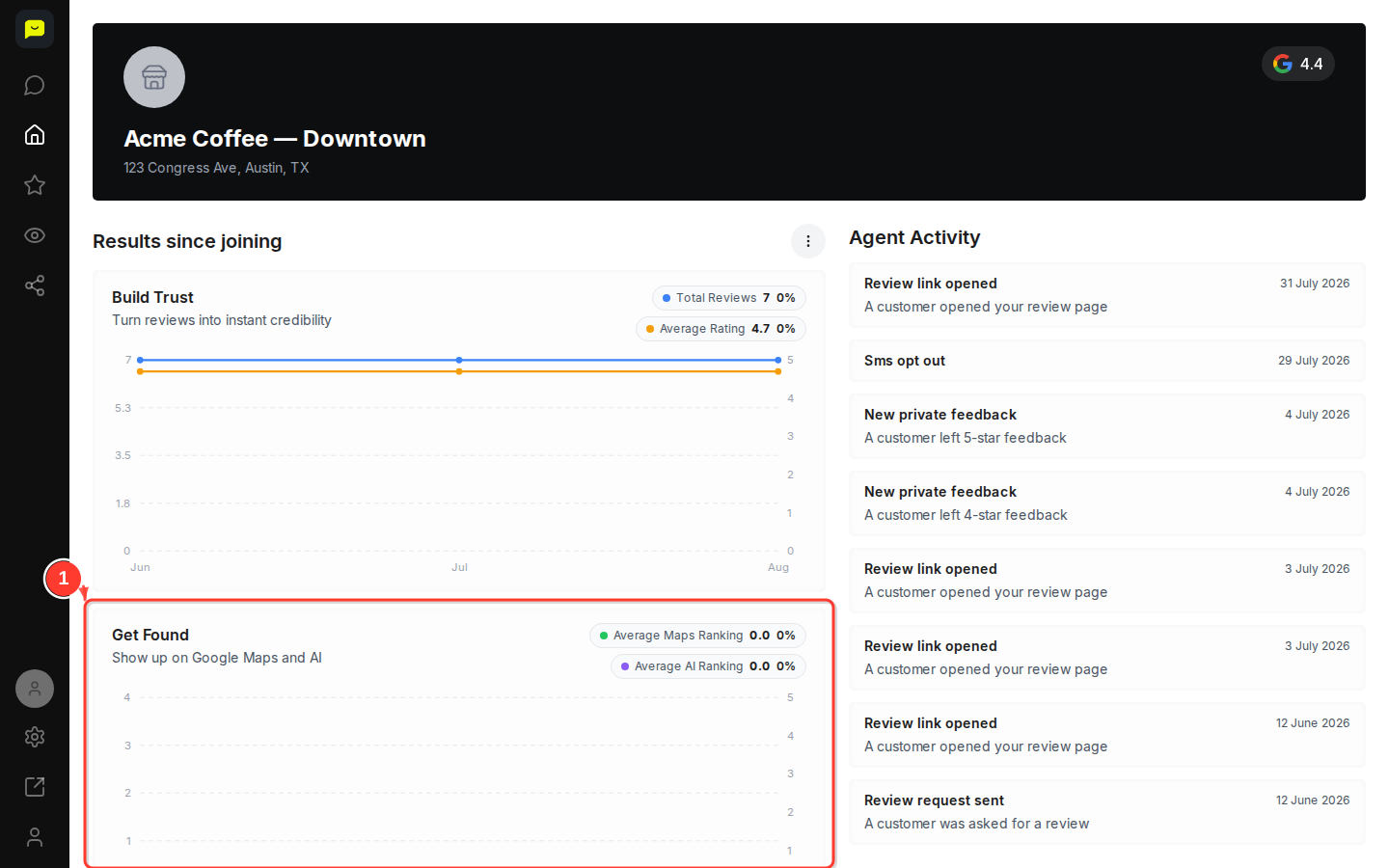
Scroll down to the Get Found section. Average Maps Ranking and Average AI Ranking show where you placed in your latest Google Maps and AI ranking checks. The chart below plots your checks, one dot per check (1 is the top spot), so you can see your position change over time. Until you run a check, the card shows No ranking checks yet.
Check the Win Customers card
The Win Customers card is where your Google profile impressions and clicks would go. Praising doesn't receive those numbers from Google yet, so the card reads Impressions and clicks aren't tracked yet.
Review recent Agent Activity
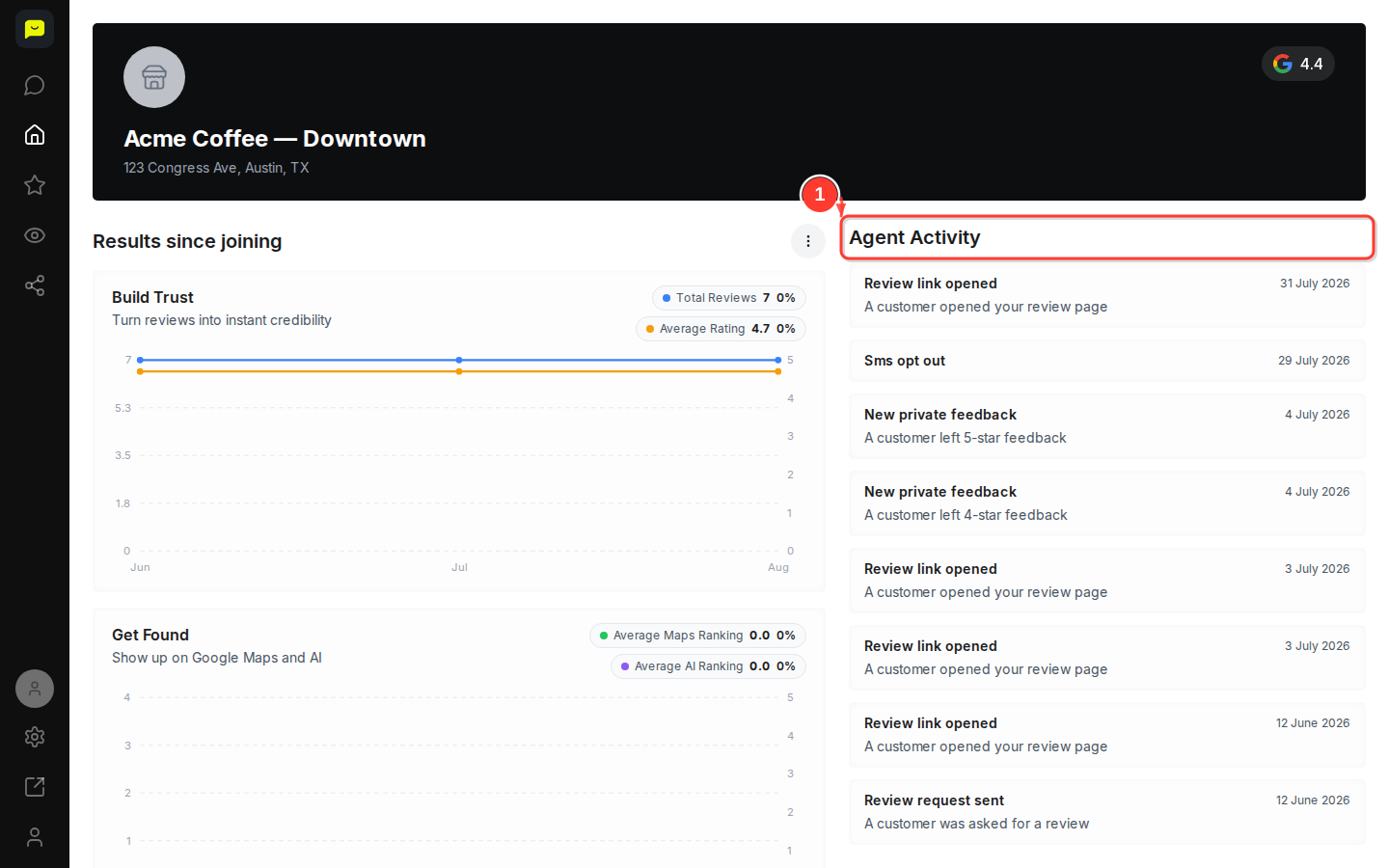
Find the Agent Activity feed beside your results (below them on a smaller screen). It lists the 8 most recent events in your account, each with its date: review requests sent, review links opened, private feedback and video testimonials received, rating changes and more.
Explore deeper analytics in the Reputation section
For a full breakdown by platform, open the Reputation section in the left-hand navigation. From there you can access Dashboard, Analytics, AI Sentiment, Reviews, and more to dig into the detail behind the summary numbers on your Home page.

The Home page surfaces three goal-oriented pillars:
Build Trust: Total Reviews and Average Rating, showing how many reviews you've collected and how customers rate you overall.
Get Found: Average Maps Ranking and Average AI Ranking, showing where your business placed in your Google Maps and AI ranking checks.
Win Customers: set aside for Google profile impressions and clicks, which Praising doesn't track yet.
The change next to Total Reviews and Average Rating compares your latest month with the first month on the chart. Next to a ranking, it shows how many places you've moved since your first check. Gains show in green and drops in red. A flat or falling number is a signal to look closer in the Reputation or Visibility sections.
The Agent Activity feed adds context to these numbers by showing what happened recently, such as review requests sent, review links opened, opt-outs and private feedback received.
