Praising.ai gives you three widget styles for displaying reviews on your website: Carousel, Grid, and Pop-up. The right choice depends on your site's layout and what you want visitors to do.
Active Praising.ai account with collected reviews
Access to your website's code or content management system for widget embedding
Navigate to the Widgets page to see all three options
From the left-hand navigation, click Visibility, then select Widgets from the submenu. This opens the Widgets page at /dashboard/visibility/widgets, where you can compare all three display formats.
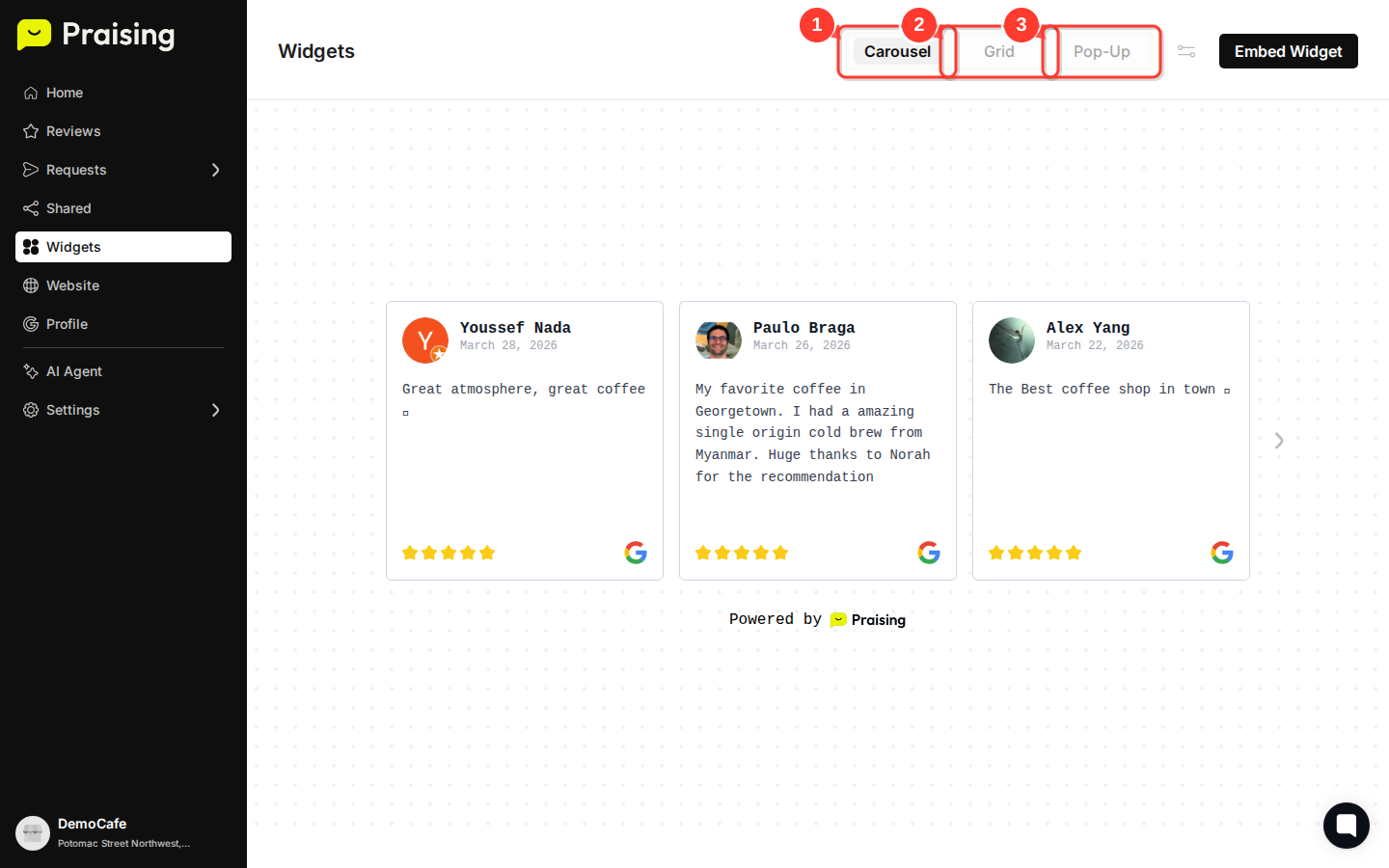
Review the Carousel widget format (default view)
The Carousel widget displays reviews in a horizontal scrolling format. It works well in headers, footers, or narrow sections where vertical space is tight. Click the Carousel button at the top of the page to preview this format in the live preview pane.
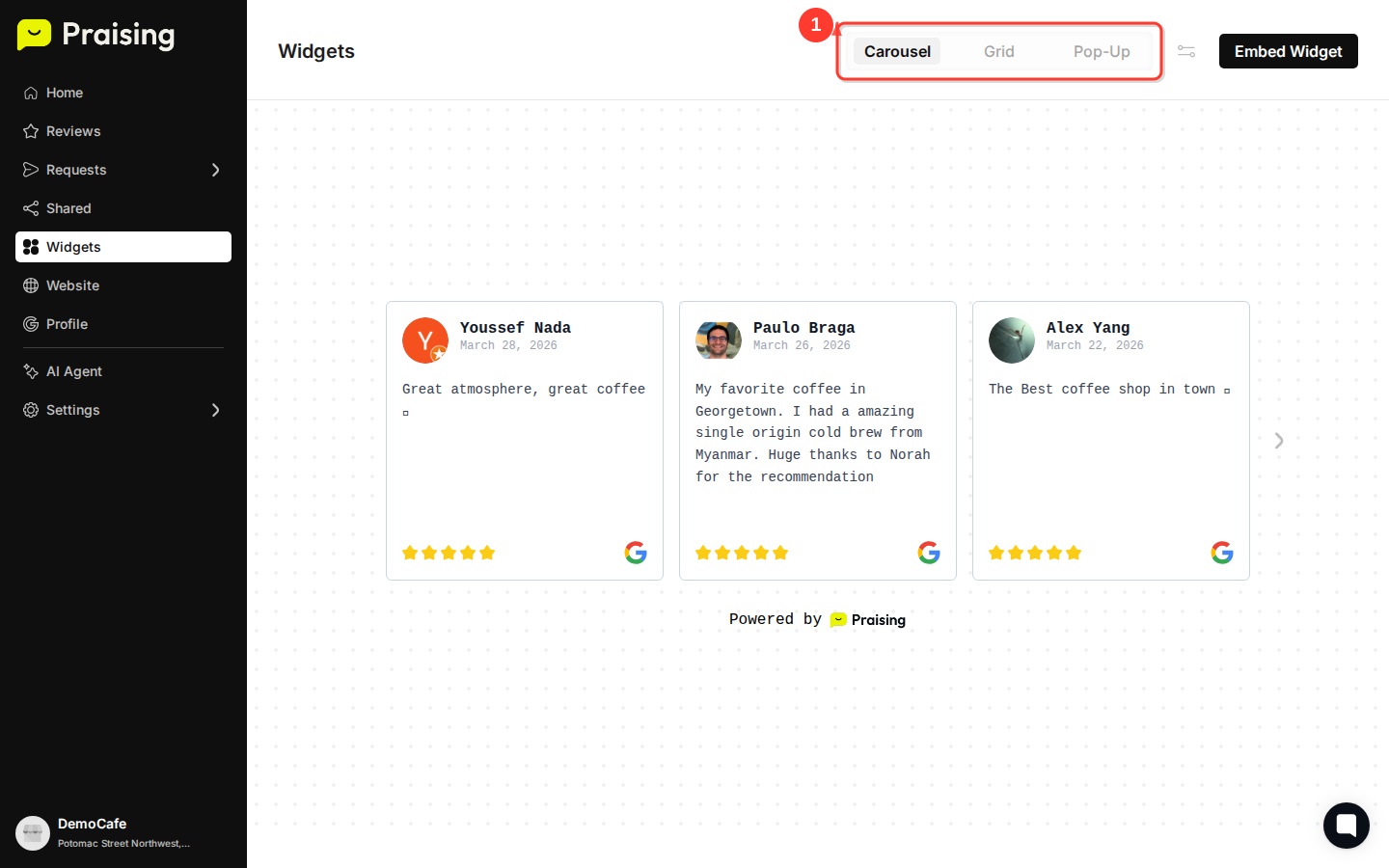
Switch to the Grid widget format
Click the Grid button to see your reviews arranged in rows and columns. Multiple reviews appear at once, so this format suits dedicated testimonial pages or wider site sections well.

Switch to the Pop-up widget option
Click the Pop-Up button to view the overlay format. Pop-up widgets appear over your page content, drawing attention to your reviews without taking up permanent space in your layout.

Access embedding options for your chosen widget
Once you've picked a format, click Embed Widget in the top-right area of the Widgets page to get the HTML embed code. This button works the same way regardless of which style you've selected. If you want to adjust appearance options before embedding, click Widget settings first.

Choose Carousel when:
Your available space is narrow, like a sidebar, header, or footer
You want reviews to cycle automatically
Choose Grid when:
You have a dedicated testimonials or reviews page
Your layout can handle multiple columns and you want visitors to browse several reviews at once
Choose Pop-up when:
You want impact without giving up permanent page space
You're testing different placements to see what gets more engagement
After picking a style, click Widget settings on the Widgets page to adjust colors and fonts to match your brand. Check the widget on desktop and mobile to confirm it displays correctly. You can also run an A/B test with two different widget styles to see which one gets better engagement from your audience.
Open widgets →