Sending review requests is the foundation of growing your online reputation. Praising.ai makes it simple to reach out to customers and encourage them to share their positive experiences across review platforms like Google, Yelp, and Facebook.
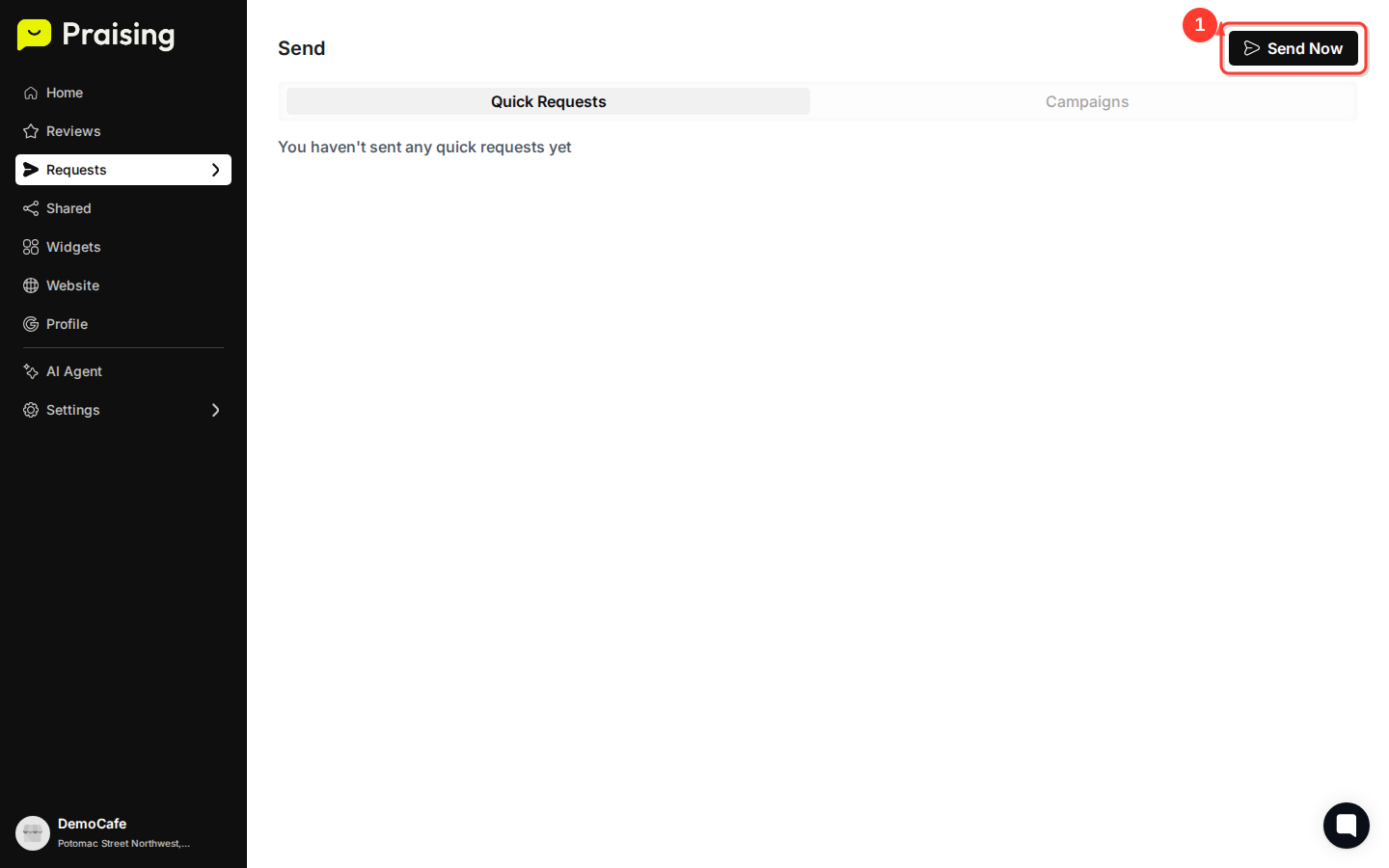
Navigate to the Send section using the main navigation. You'll land on the Quick Requests tab by default, which is perfect for sending individual review requests on demand.
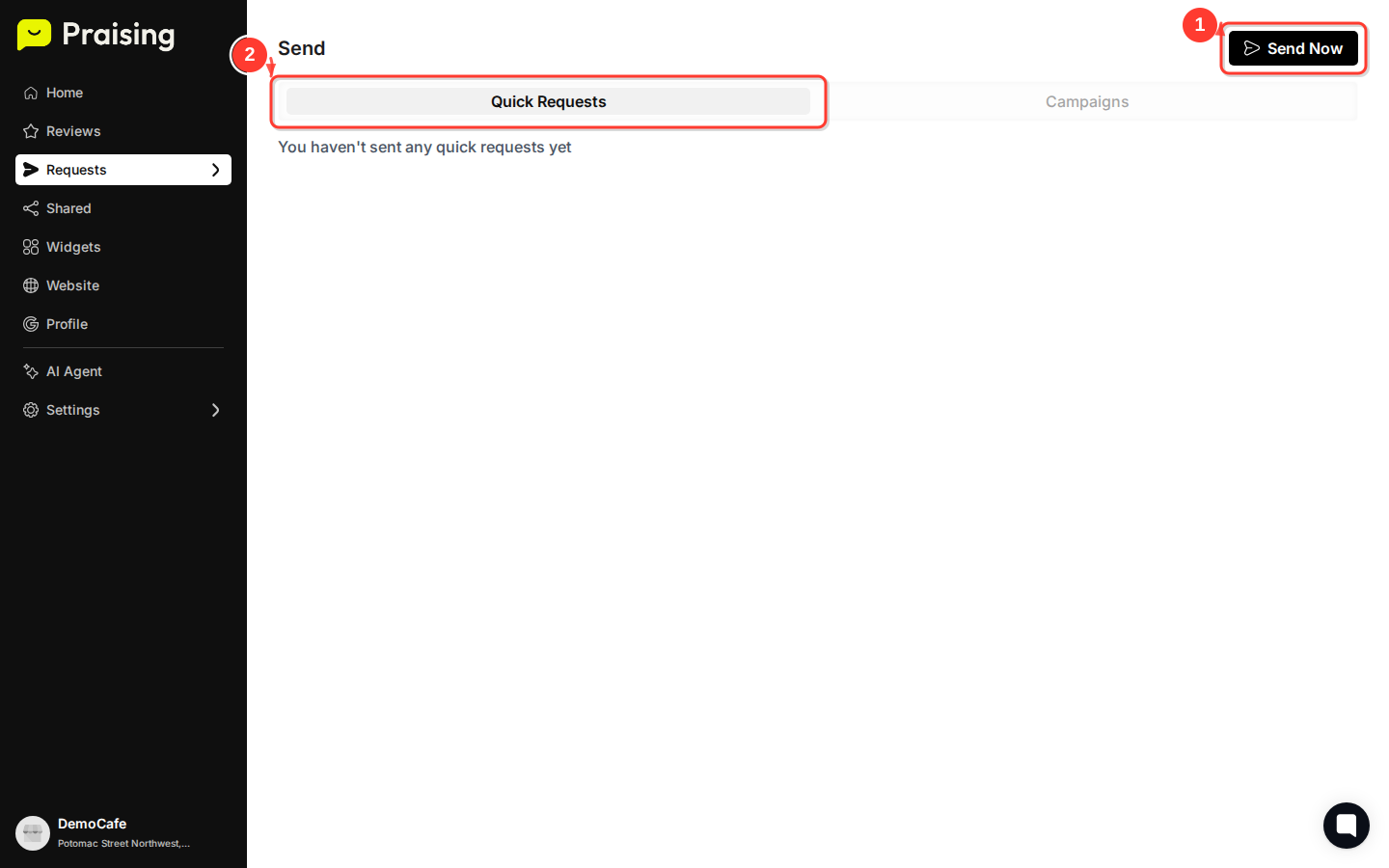
The Quick Requests feature allows you to send immediate, personalized review requests without setting up complex campaigns. This is ideal when you want to quickly follow up with a customer after a great interaction.
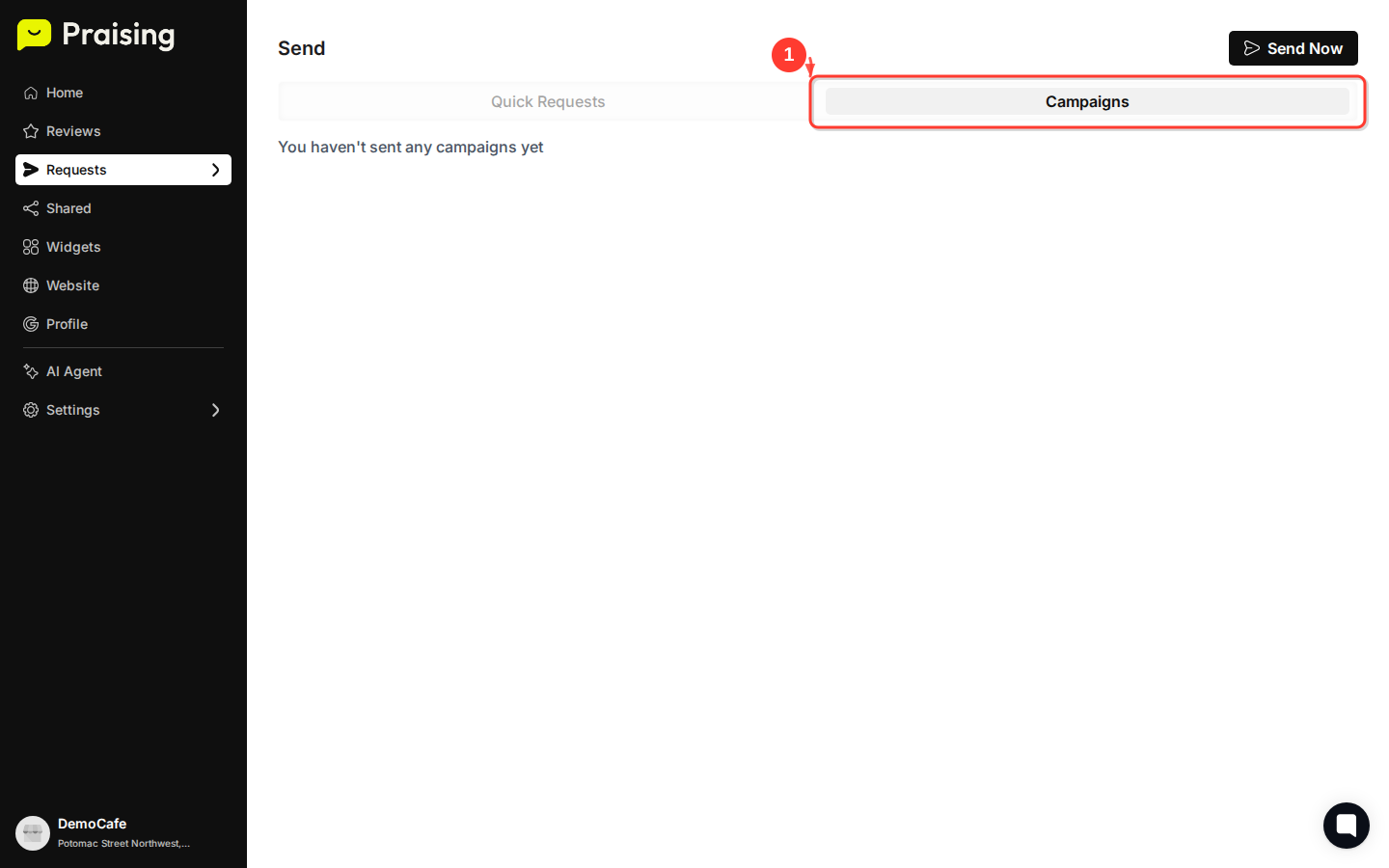
Click the "Campaigns" tab to explore automated review request options. Campaigns let you set up scheduled, recurring review requests that run automatically based on your preferences.
While Quick Requests are perfect for immediate sends, campaigns provide a systematic approach to consistently gathering reviews over time. You can create different campaigns for various customer segments or touchpoints.
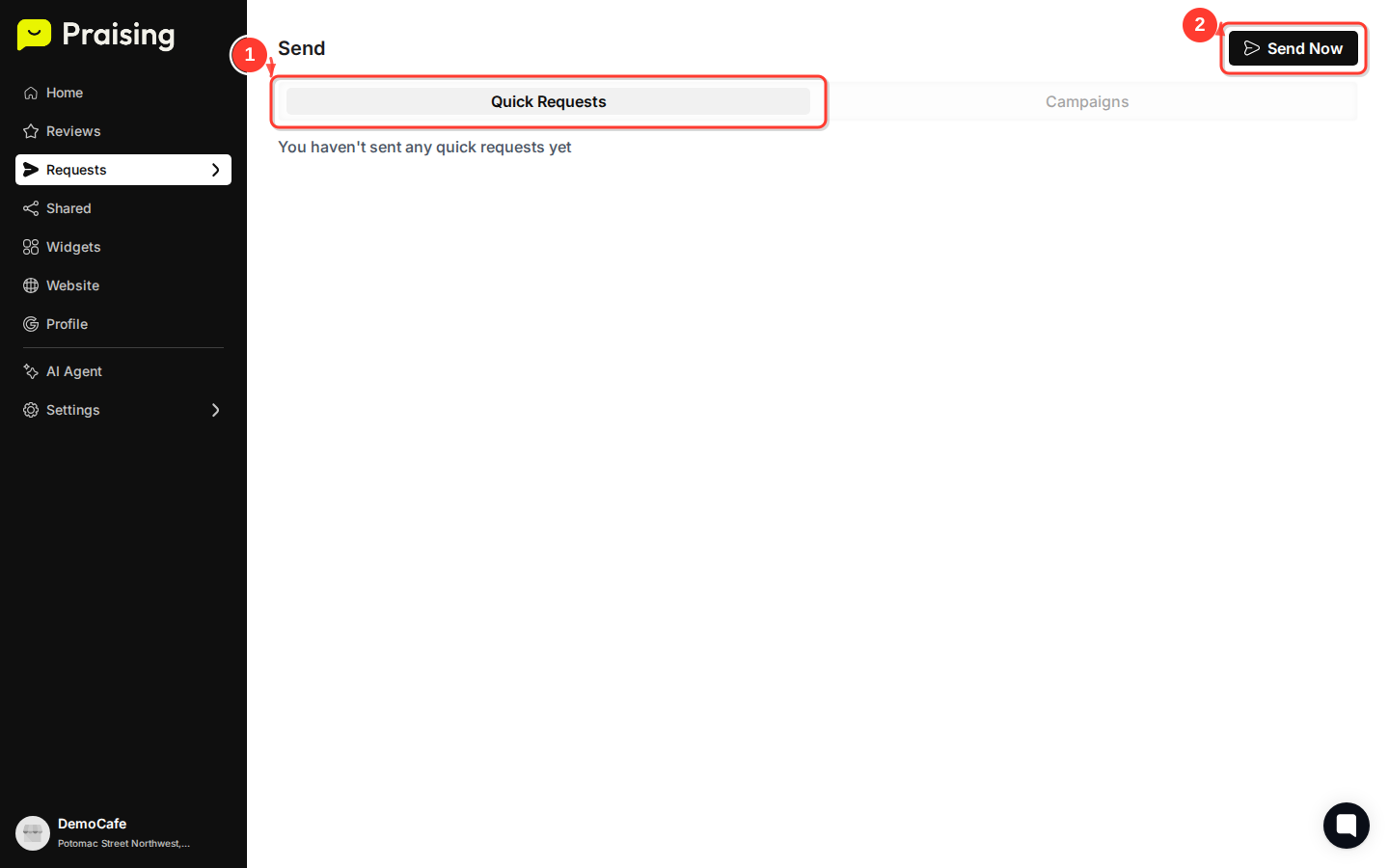
Return to the "Quick Requests" tab and click the "Send Now" button to begin creating your first review request.
The Send Now feature streamlines the process of reaching out to customers while their positive experience is still fresh in their minds. Timing is crucial for review requests – customers are most likely to leave reviews within 24-48 hours of their experience.
In the send interface, you'll be able to customize your message, select review platforms, and add customer contact information. Take time to personalize your message to reflect your business voice and the specific customer experience.
Tip: Keep your review request messages concise and genuine. Mention the specific service or interaction to help customers remember their positive experience with your business.
Before sending, double-check your customer's contact information and review your message for any typos or personalization opportunities. A well-crafted, error-free message reflects positively on your business professionalism.
Once you've verified everything looks correct, submit your review request. Your customer will receive a friendly message with easy links to leave reviews on your selected platforms.
Tip: Start with just one or two review platforms to avoid overwhelming customers. Google Reviews are typically the highest priority for most businesses since they appear directly in search results.
After sending your first review request, monitor your Reviews section to track responses. Consider setting up automated campaigns for consistent review generation, and explore the Widgets section to add review displays to your website. The key to successful review management is consistency – make review requests a regular part of your customer service process.
