
Customer testimonials help you build trust and attract new customers by showcasing real experiences from happy clients.
How to Collect Testimonials
In the left-hand navigation, open Reputation and click Send (under Requests).
Open the Campaigns tab and click New Campaign. Name it and choose who gets it: All contacts, Not yet contacted or a segment (segments are on paid plans).
Campaigns go out by email. To text one customer on a paid plan, use Send Now at the top of the Send page instead.
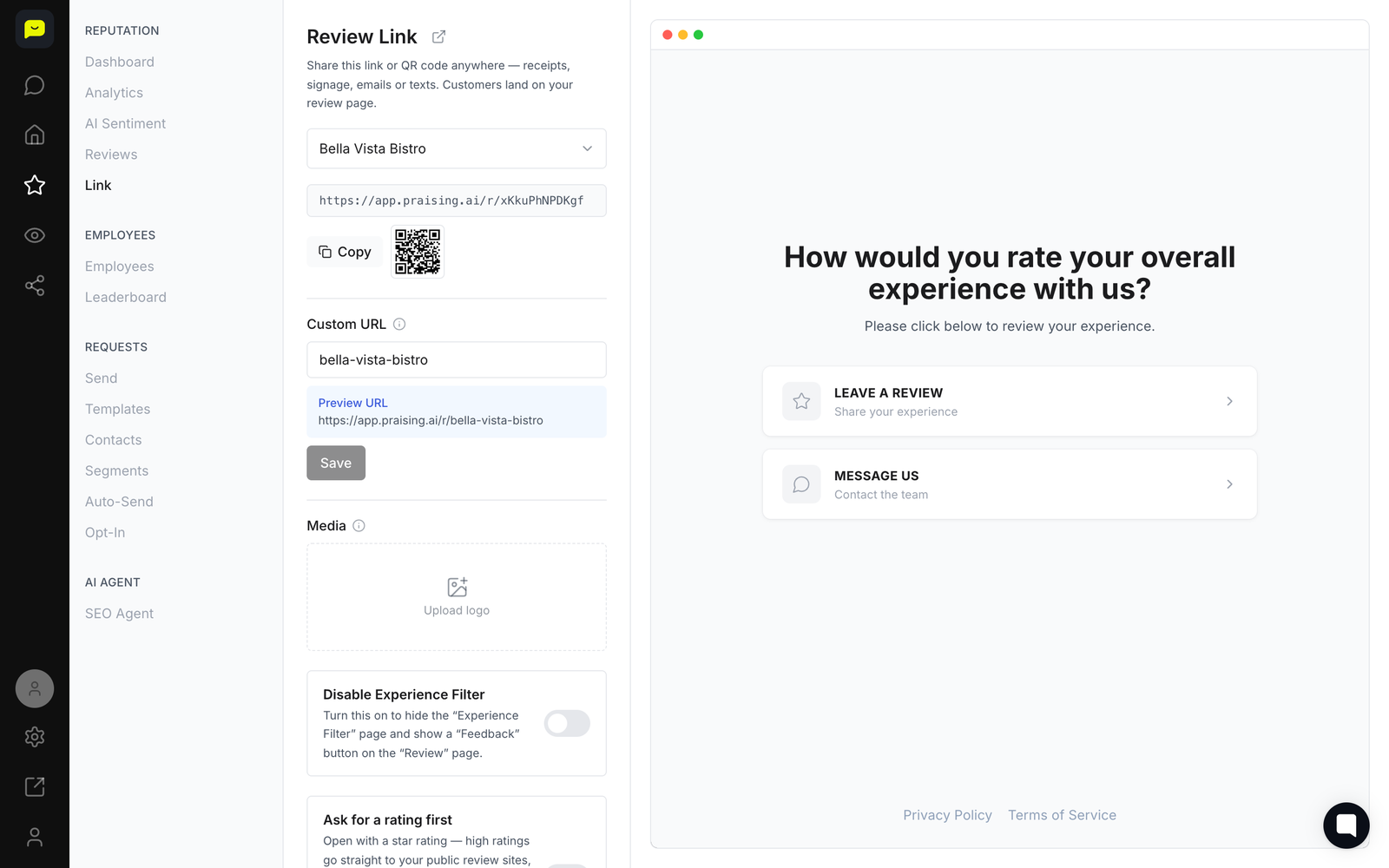
Pick a template, choose Send now or Schedule under When, and click Create campaign. Each email links to your review page, where customers can leave a review or, on paid plans, record a video testimonial.
How to Display Testimonials
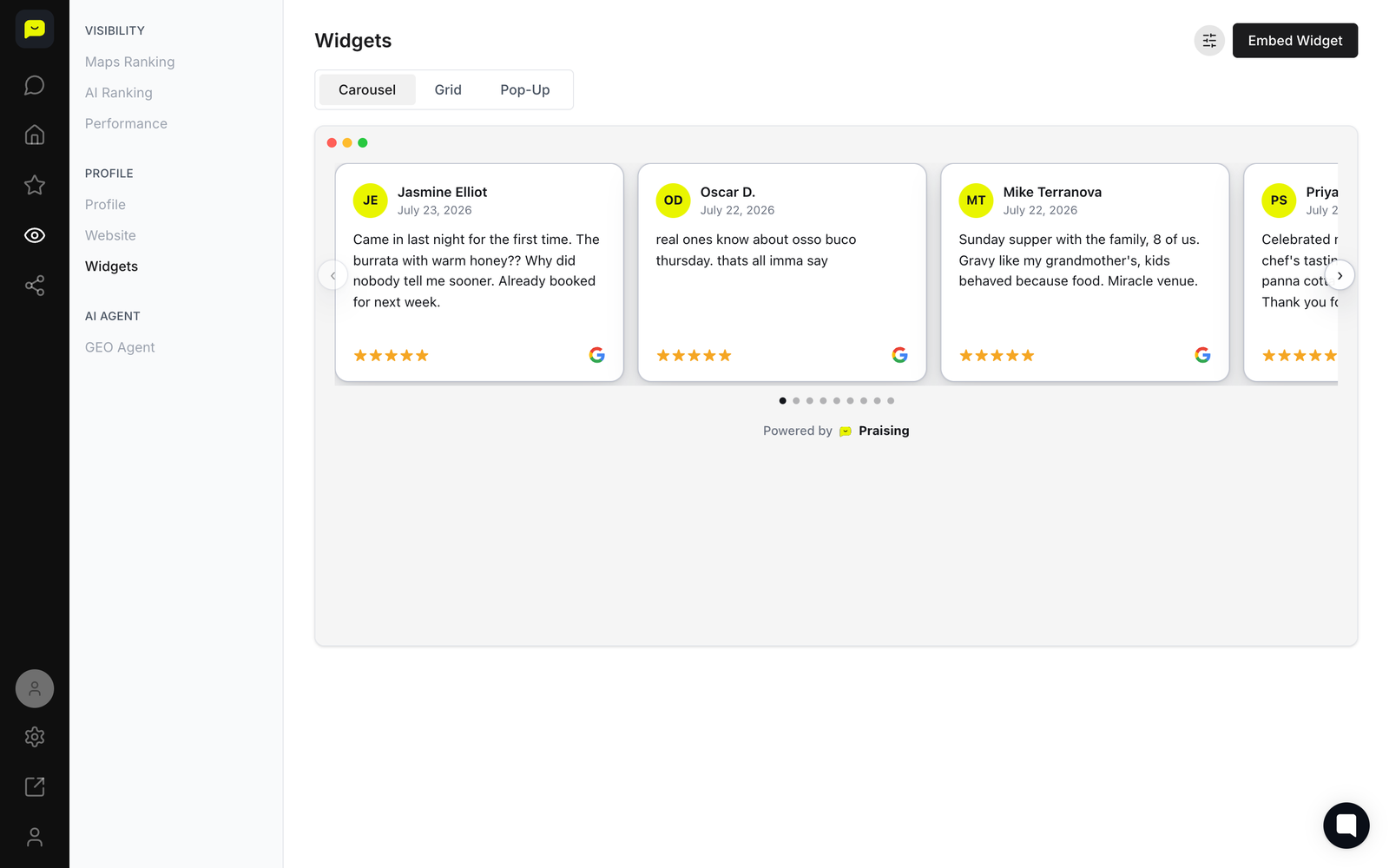
In the left-hand navigation, open Visibility and click Widgets.
Pick a style from the tabs at the top: Carousel, Grid, Pop-up or Badge.
Click the filter icon next to Embed Widget to open Widget Filters, choose what shows (All, Public reviews or Video Testimonials, a minimum rating and which review sites), then click Save.
Click Embed Widget, then Copy Widget Code, and paste the code on your website.

Best Practices
Ask for testimonials within 24-48 hours of service completion.
Display testimonials on your homepage, service pages, and contact page.
Include customer names and photos when possible for authenticity.
Update testimonials regularly to keep content fresh.
Common Issues
Low Response Rates
Send follow-up requests after one week. Personalize your message by mentioning the specific service you provided.
Widget Not Displaying
Check that you copied the complete embed code. Clear your browser cache and refresh the page. Contact your web developer if the issue continues.
Related Articles
Setting up Review Request Campaigns
Adding Review Widgets to Your Website
Managing Your Online Reputation
Need help? Contact us at [email protected]
 Add a testimonial widget