Your Praising.ai dashboard is your command center for managing your business's online reputation. It gives you an overview of your reviews, your rating and your Maps and AI ranking, with the tools to collect and answer reviews a click away.
Start with your Home overview
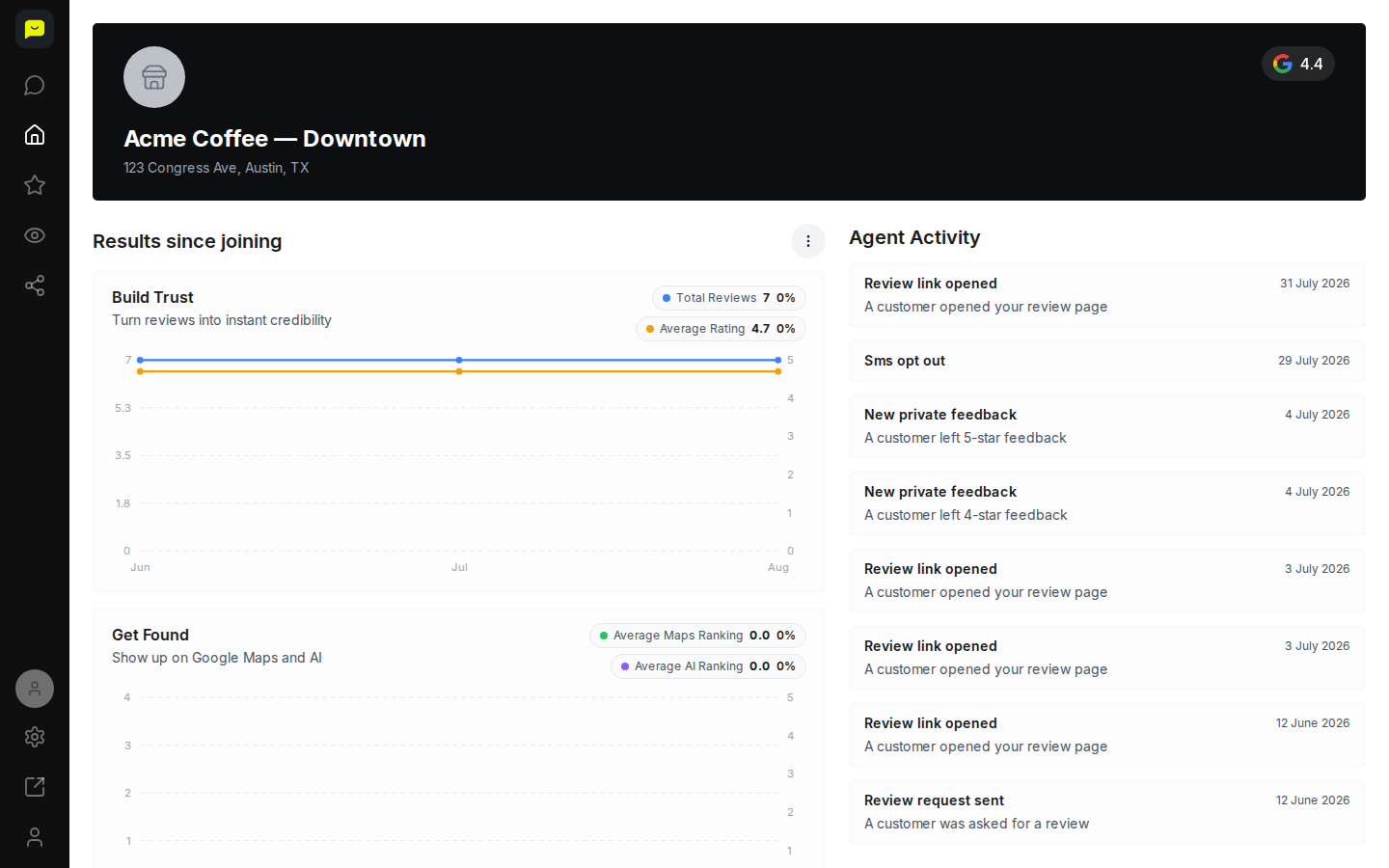
After signing in, your dashboard opens to Home (/dashboard/home) by default, giving you an immediate snapshot of your reputation health. At the top you'll see your business name, address, and current average rating. Below that, the Results since joining section organises your key metrics into three outcome areas: Build Trust, Get Found, and Win Customers.
Check your Build Trust metrics
Under Build Trust, you'll find your Total Reviews count and Average Rating, each with a percentage change indicator showing momentum over time. A mini chart plots both metrics month by month so you can spot trends at a glance.
Review your Get Found performance
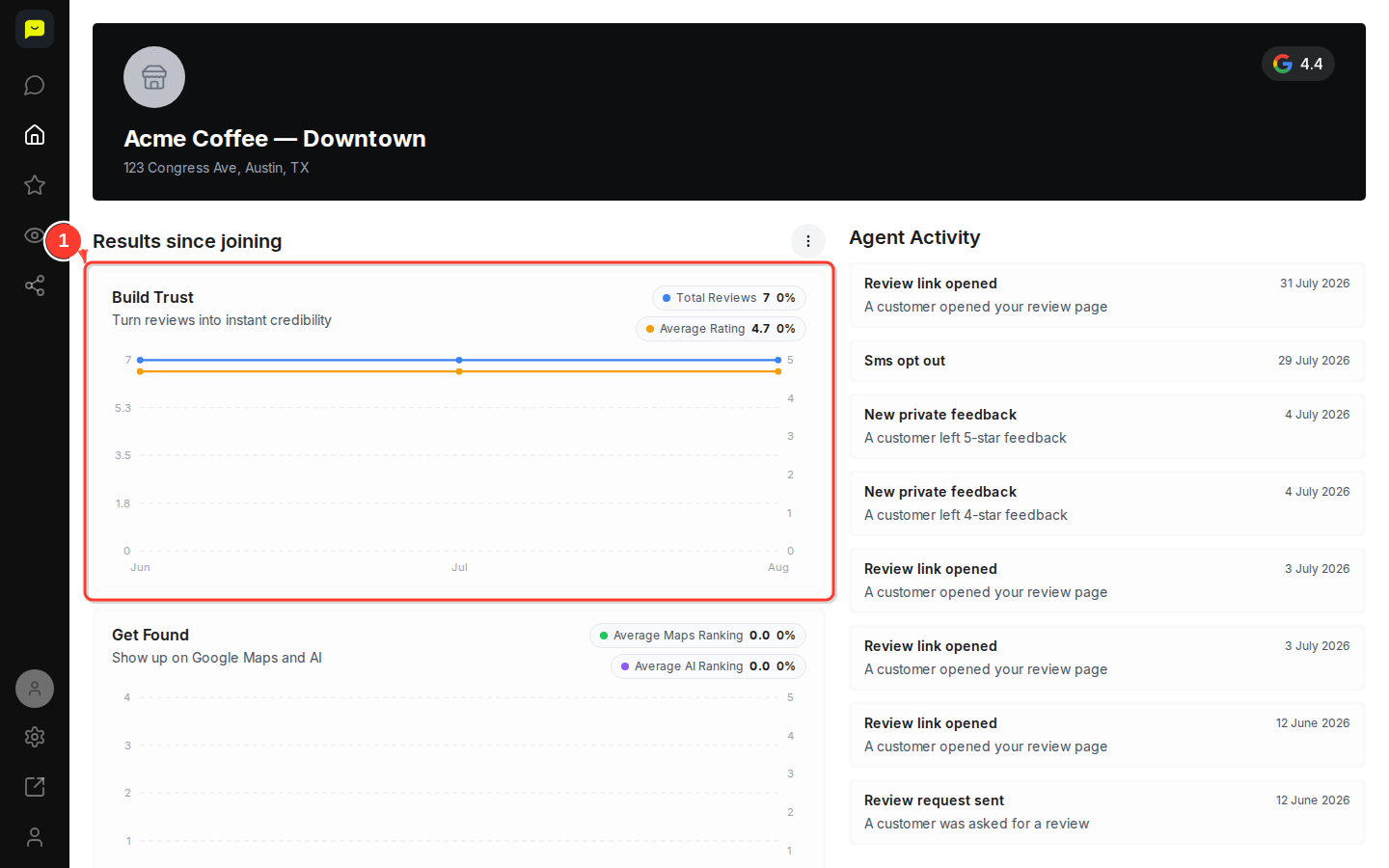
Scroll down to the Get Found section to see your Average Maps Ranking and Average AI Ranking: where your business placed in your latest Google Maps and AI ranking checks. The chart plots your checks, one dot per check, so you can see how both have moved over time.
Check the Win Customers card
Continue scrolling to Win Customers. It's set aside for your Google profile impressions and clicks, but Praising doesn't receive those numbers yet, so the card reads Impressions and clicks aren't tracked yet.
Review recent Agent Activity
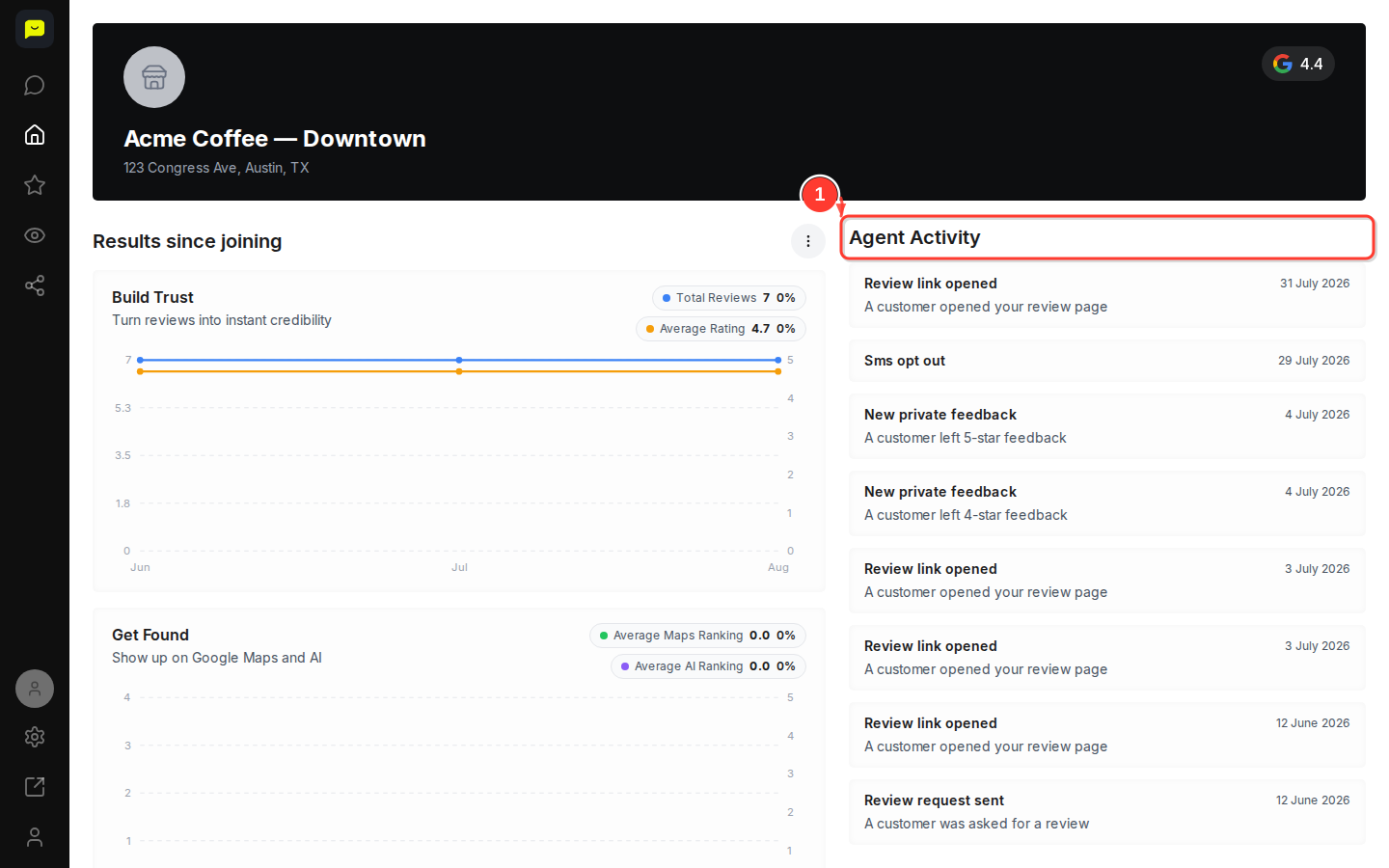
Beside your results (below them on a smaller screen), the Agent Activity feed lists the 8 most recent events in your account, such as review requests sent, review links opened, SMS opt-outs and new private feedback. Use this feed to confirm your outreach is reaching customers.
Navigate to deeper reputation tools
Use the left-hand navigation to explore features in more detail. Under Reputation you'll find Dashboard, Analytics, Reviews, AI Sentiment, Employees, Leaderboard, Link, Send, Templates, Contacts, Segments, Auto-Send, Reminders, Opt-In and SEO Agent. Under Visibility you'll find Maps Ranking, AI Ranking, Performance, Profile, Website, Widgets and GEO Agent. Under Engagement you'll find Feed, Template and Social Agent. Analytics, Employees, Leaderboard, Segments and the three agents need a paid plan.
Access Settings and your AI Agent
Select Settings near the bottom of the left-hand nav to manage Integrations, Limits, History, Notifications, Locations, Team, Automate, Developers, Billing and Account (Automate and Developers need a paid plan). On paid plans, AI Agent at the top of the left-hand nav opens a chat where you can ask questions about your reviews in plain English.

Now that you know your way around the dashboard, head to Reviews under Reputation to read and answer customer reviews, or visit Send to send review requests and campaigns. To email each new contact a request automatically, switch on Auto-Send. On paid plans, once you switch on the SEO Agent, it drafts a reply to each new review for you to approve, and nothing is posted without your OK.
Open your dashboard →