
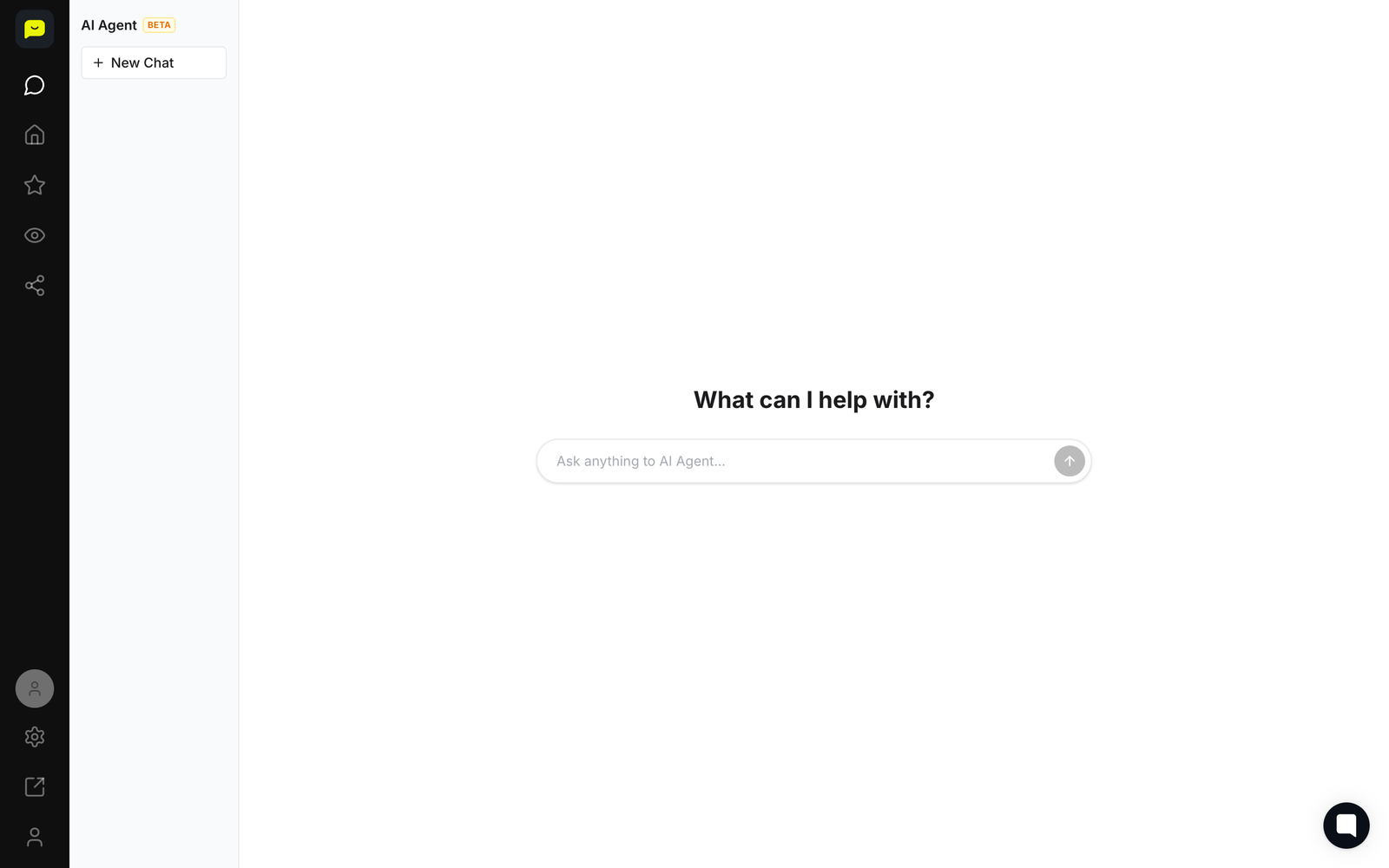
The AI Agent is a chat built into Praising. You ask it about your reviews in plain English, and it can draft replies and reports for you. It is available on paid plans and is currently marked BETA.
Where to find it
Click the speech-bubble icon at the top of the far-left rail, or go straight to app.praising.ai/dashboard/chat. The older /dashboard/ai address now takes you to the same place.
How to use it
Start a chat
Click New Chat. The agent opens with "What can I help with?" and a single box: "Ask anything to AI Agent…". Earlier chats stay in the list on the left, so you can pick one back up.
Ask about your reviews
Ask the way you would ask a colleague — what people said about a particular dish this month, which locations are trending down, or what the most common complaint is.
Ask it to draft a reply
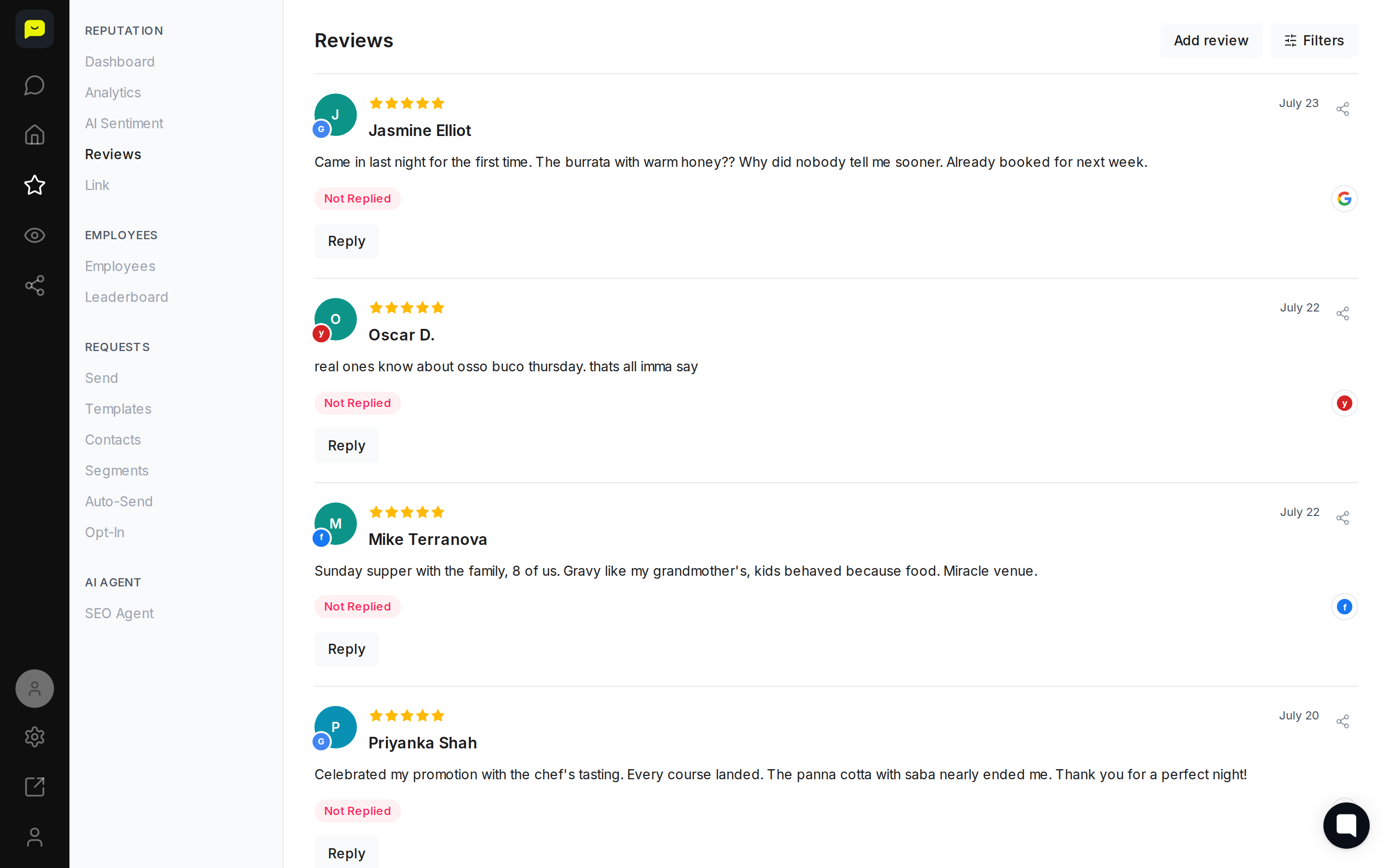
You can ask the agent to draft a reply to a review. To publish the reply, open Reputation → Reviews and use the Reply button on that review.
Ask it for a report
The agent can also summarise what it finds, so you can ask for a short write-up of a period or a location rather than reading every review yourself.
There is no separate settings panel
The AI Agent has no configuration screen — there are no response-timing, tone, knowledge-base or scope settings to set up. You steer it by what you ask it in the chat. Automatic sending of review requests is a different feature, under Reputation → Auto-Send.
What's Next?
If you want automated behaviour rather than a chat, look at Auto-Send for review requests and the SEO and GEO agents under Visibility.
Open the AI Agent