Integrations connect your Praising.ai account to the review sites and channels you use. Google and Trustpilot reviews are imported into your inbox. Yelp, Tripadvisor and the other sites are linked: your profiles show on your dashboard and your review page can send customers to them, but their reviews aren't imported, so keep an eye on those sites yourself.
In the left-hand navigation, click Settings, then select Integrations from the Settings sub-menu. The Integrations page opens at /dashboard/settings/integrations. By default, you'll land on the Review Sites tab, which shows all available platform integrations, including both connected profiles and platforms available for connection.
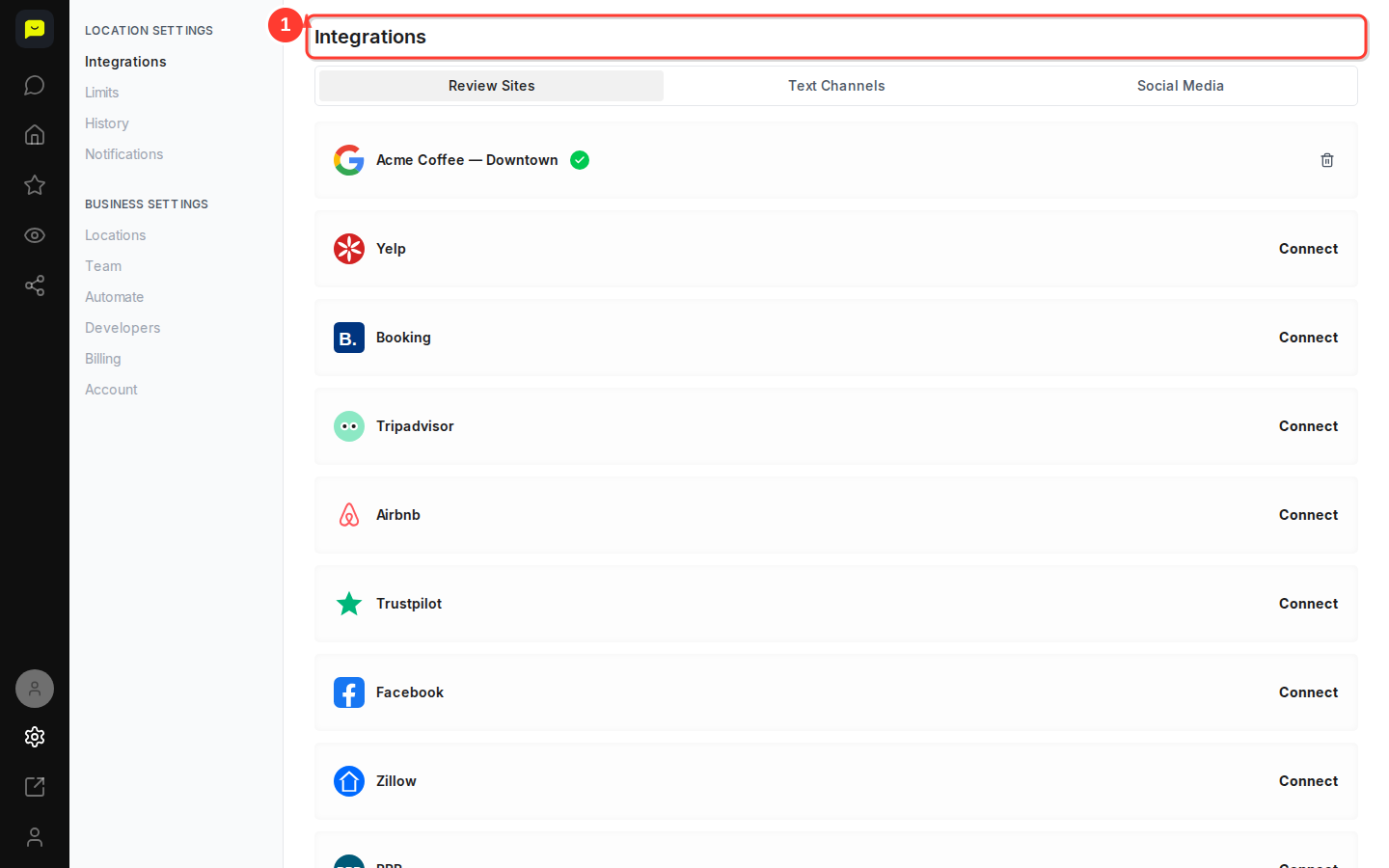
On the Review Sites tab, choose a platform and click its Connect button. Options include Yelp, Booking, Tripadvisor, Airbnb, Trustpilot, Facebook, Zillow, BBB, Consumer Affairs, Glassdoor, Indeed, Expedia, Agoda, Angi, App Store, Capterra, Cars.com, Google Play, OpenTable and RateMDs. Trustpilot is imported; the rest are linked.
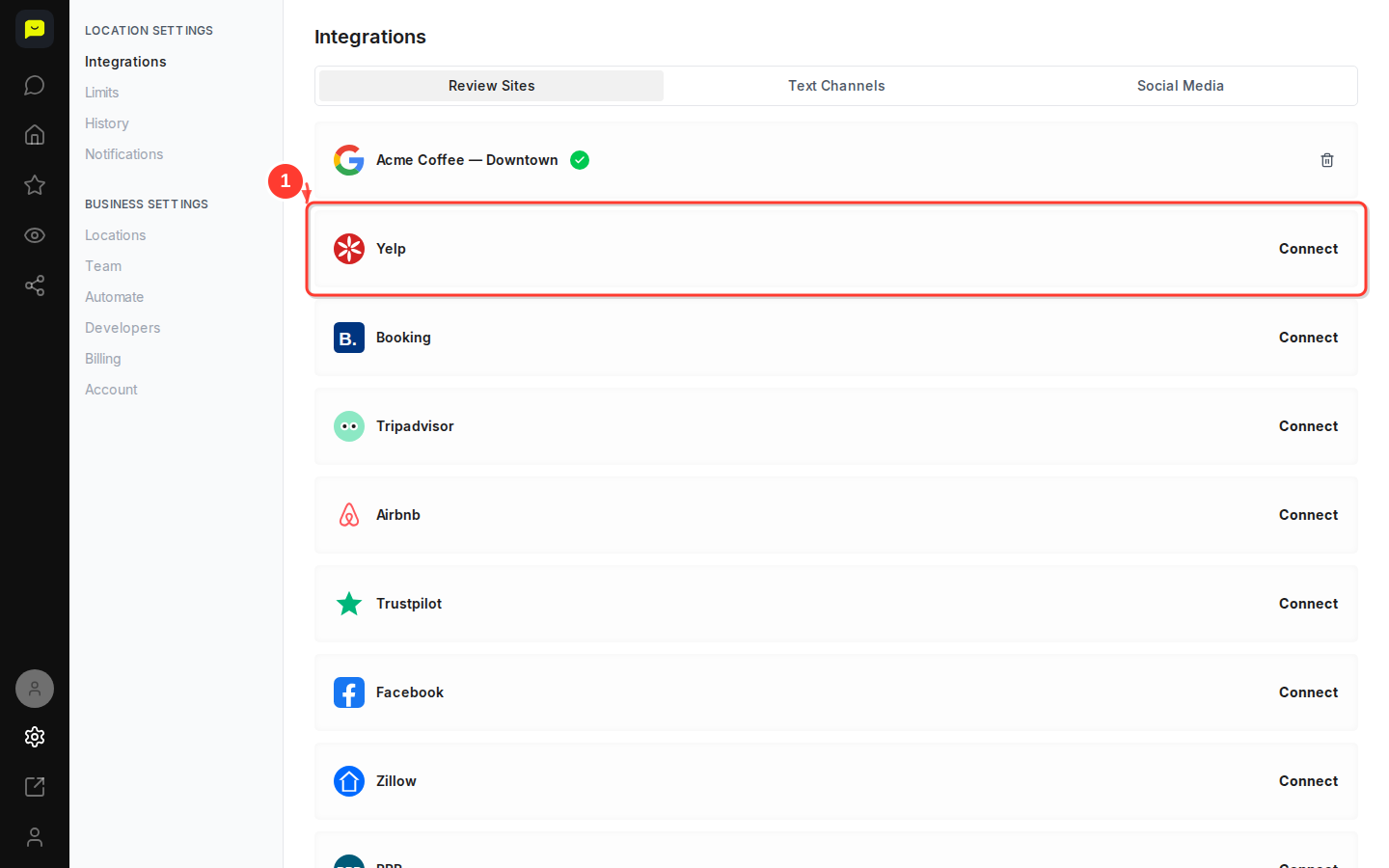
Click the Text Channels tab to see how your review requests go out. Email works on every plan, and SMS on paid plans. WhatsApp is listed too, but it isn't available in Praising yet, so its Connect button can't link a number today.
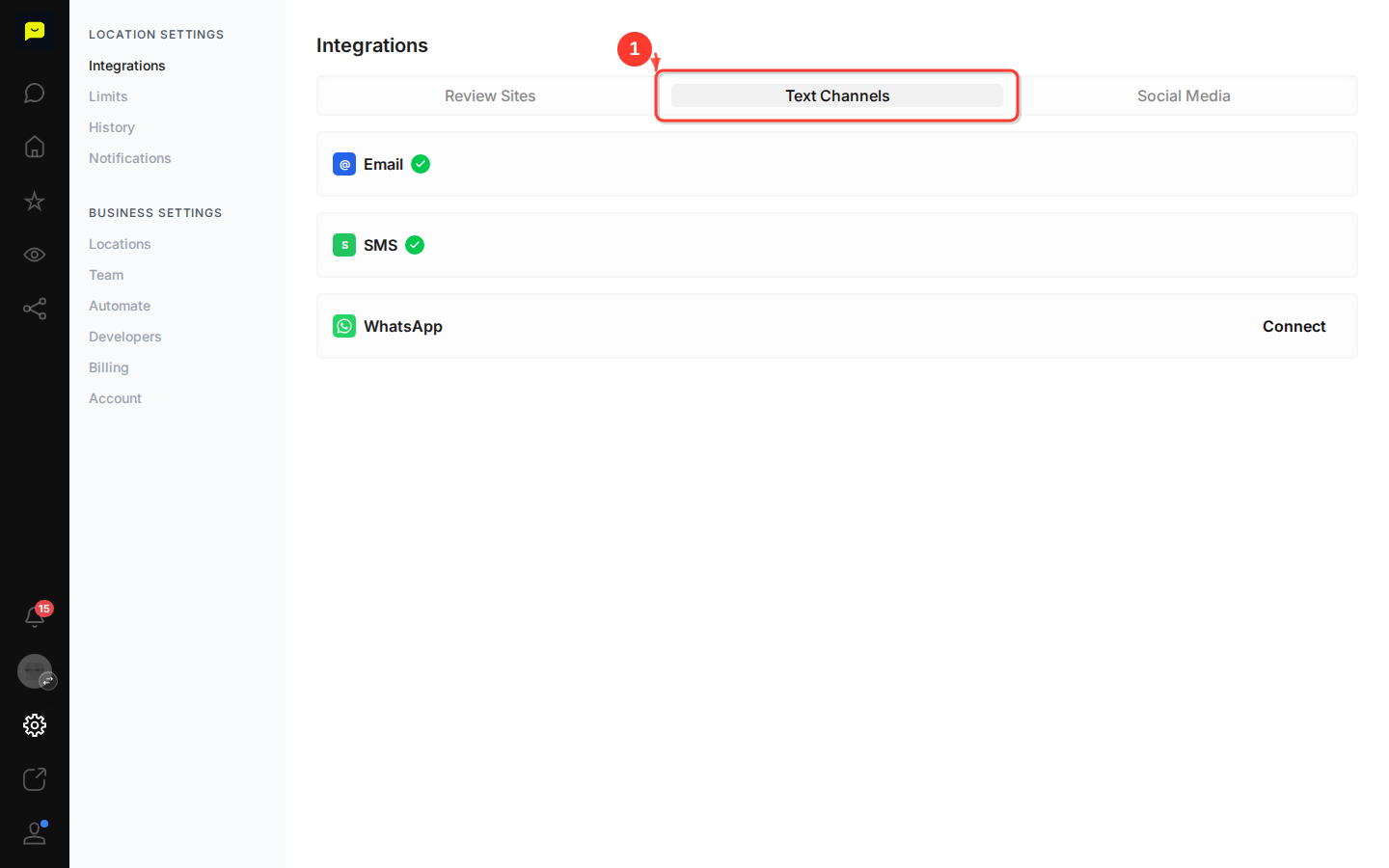
Click the Social Media tab to see the Facebook and Instagram connections. Publishing to them isn't available in Praising yet, so their Connect buttons can't link an account today. The Social Agent still drafts posts for you to copy and share yourself.
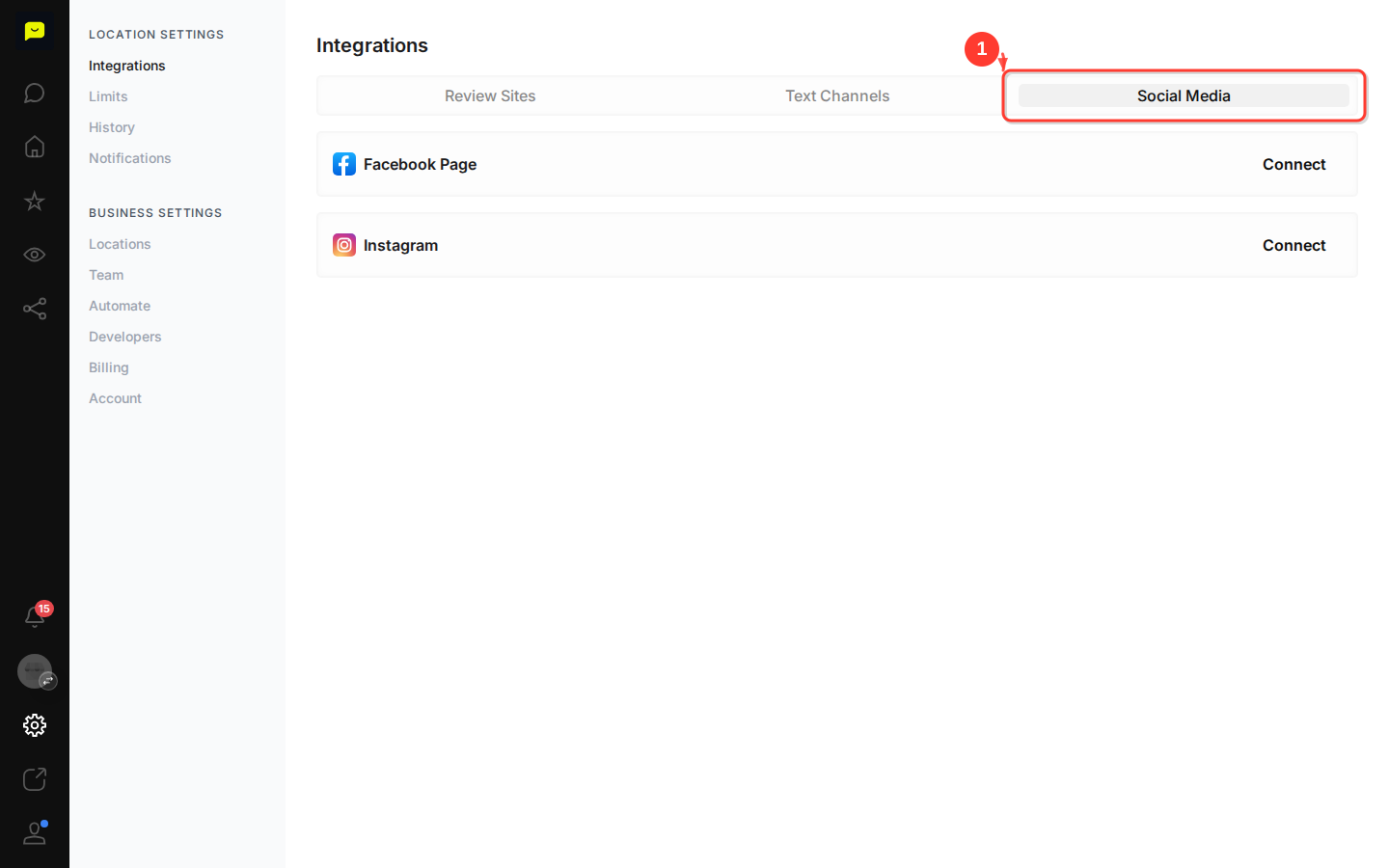
Return to the Review Sites tab to see your existing connections. A connected site shows a green check next to its name. The page shows the location picked in the location switcher, so switch locations to see another location's connections.
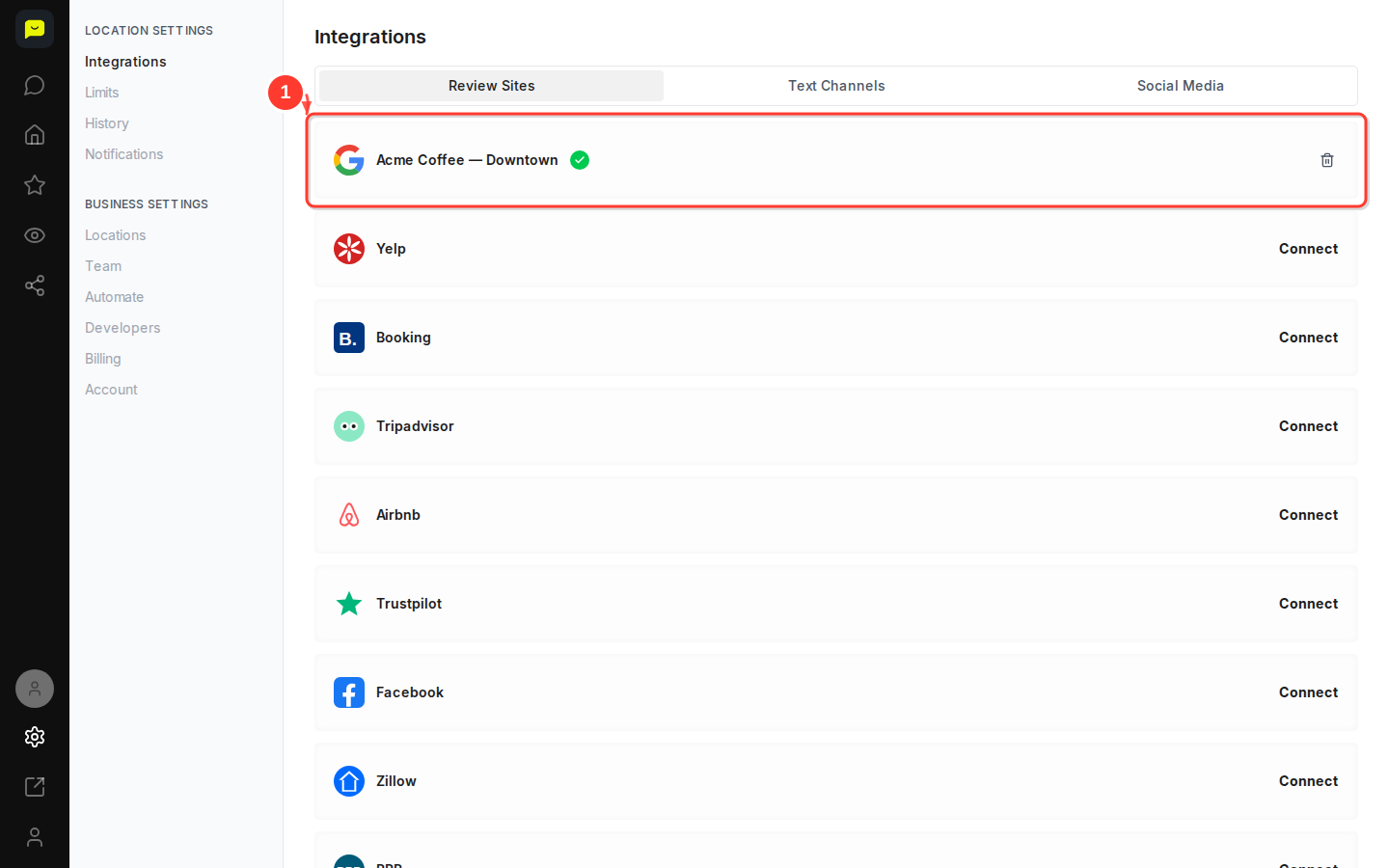

For platforms you've already connected, a trash icon appears in place of Connect. On the Google row it opens Disconnect Google: tick Disconnect anyway? and click Disconnect. New Google reviews then stop coming in and replies can no longer be posted to Google for that location, while the reviews you already have stay. Only an owner or admin can connect or disconnect Google.
Once Google or Trustpilot is connected, their reviews arrive in your inbox, and Praising checks for new ones once a day. In the left-hand navigation, go to Reputation and select Reviews to see them in one place. You can also use Send under Reputation to ask customers to leave reviews on your connected platforms.
Linking all your review profiles keeps them one click away, though only your Google and Trustpilot reviews are imported.
Open integrations →