The GEO Agent turns your customer reviews into article drafts for your own website. Instead of writing from scratch, you get a draft grounded in what customers actually say, ready to edit, copy and post on your site. Praising doesn't publish it for you.
A paid Praising.ai plan (Core, Growth or Pro)
Some written reviews on your account, since the GEO Agent drafts from your 12 newest (or from a topic you type in)
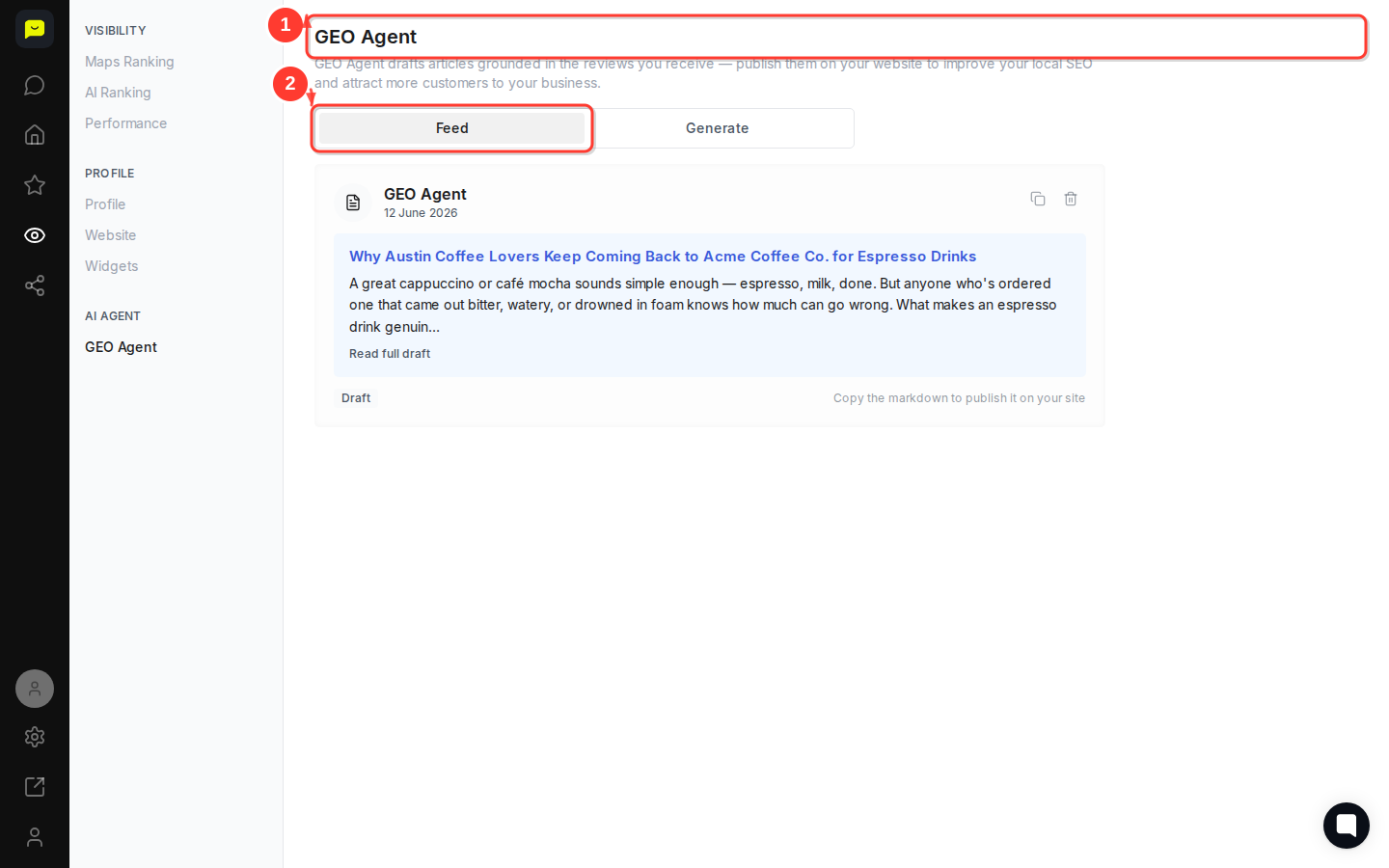
Navigate to Visibility → GEO Agent in the left sidebar. You'll land on the main GEO Agent page, which describes what the feature does and shows any article drafts you've already saved.
At the top you'll see two tabs: Feed and Generate. Feed lists the drafts you've saved, and the page opens on it once you have some. Until then it opens on Generate.
On the Generate tab, click Draft from your reviews and the agent writes an article from your 12 newest written reviews: a title and about 300 to 550 words with 2 or 3 subheadings. Or type a topic and click Generate. Edit the title and body if you like, then click Save to feed.
When you draft from reviews, the agent picks the topic from what customers praise and adds a local angle for your city where it fits. It doesn't use search data, so if there's a search term you want to cover, type it as the topic.
Once you save a draft, the page switches to the Feed tab. Each card shows:
The GEO Agent label confirming the source
The date the draft was saved (for example, 12 June 2026)
The article's title, like "Why Austin Coffee Lovers Keep Coming Back to Acme Coffee Co. for Espresso Drinks"
A preview excerpt of the opening paragraph
Click Read full draft to open and review the complete article before you publish it anywhere.
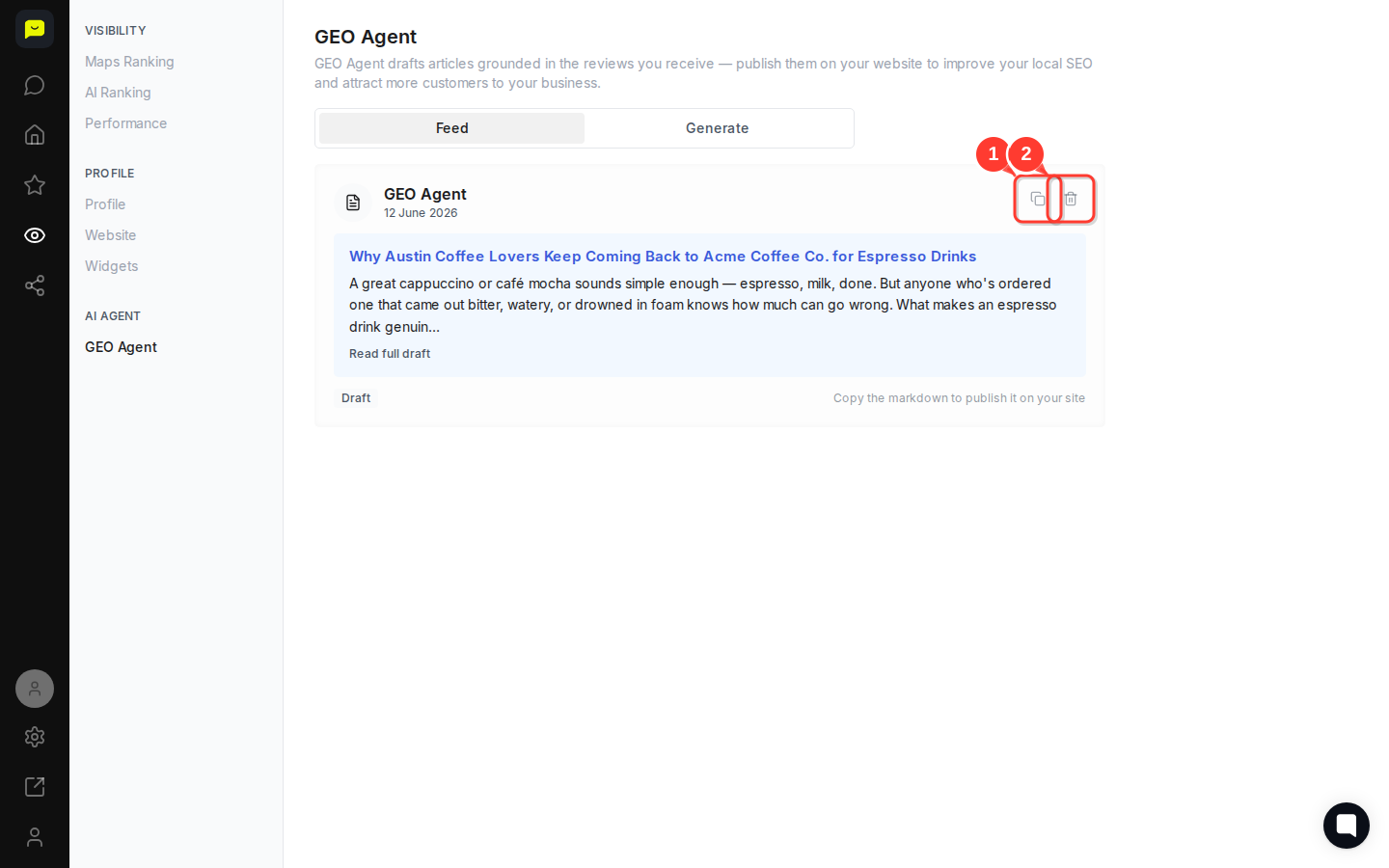
Once you're happy with a draft, click the Copy markdown button (the icon to the right of the draft card). This copies the entire article in markdown format, ready to paste into your website's CMS, blog editor, or any platform that accepts markdown.
Publishing consistently is what compounds over time. Each article signals to search engines and AI tools that your business is active, authoritative, and relevant to local queries.

If a draft isn't the right fit — wrong tone, outdated topic, or a duplicate — click the Delete draft button on that card. Keeping your Feed tidy makes it easier to track what's been published and what still needs attention.
The GEO Agent writes from your actual review data, not generic templates. It pulls the specific words, experiences, and sentiments your customers use, so the articles reflect what real people say about your business. That's exactly what search engines and AI assistants reward when deciding whether to surface you in local results.
The more reviews you collect, the richer the source material, which means better and more varied articles over time.
How to check whether AI assistants recommend your business: run an AI Ranking check to see whether an AI assistant names your business
How to reply to customer reviews: more reviews give the GEO Agent more to draw on, and staying on top of replies encourages more feedback
How to track your Google visibility: follow your Maps and AI ranking over time
