The Social Agent writes social posts from your latest customer reviews, or from a topic you give it. You pick the tone, it drafts a few options, and you share the one you like on Facebook, Instagram or anywhere else. It never posts for you. Every post goes out because you put it there.
A paid Praising.ai plan (Core, Growth or Pro)
At least one review collected on your account
Navigate to Engagement → Social Agent in the left sidebar. The agent drafts social posts in the tone you pick, from what customers praise in your 12 newest written reviews or from a topic you give it, and you share them yourself.
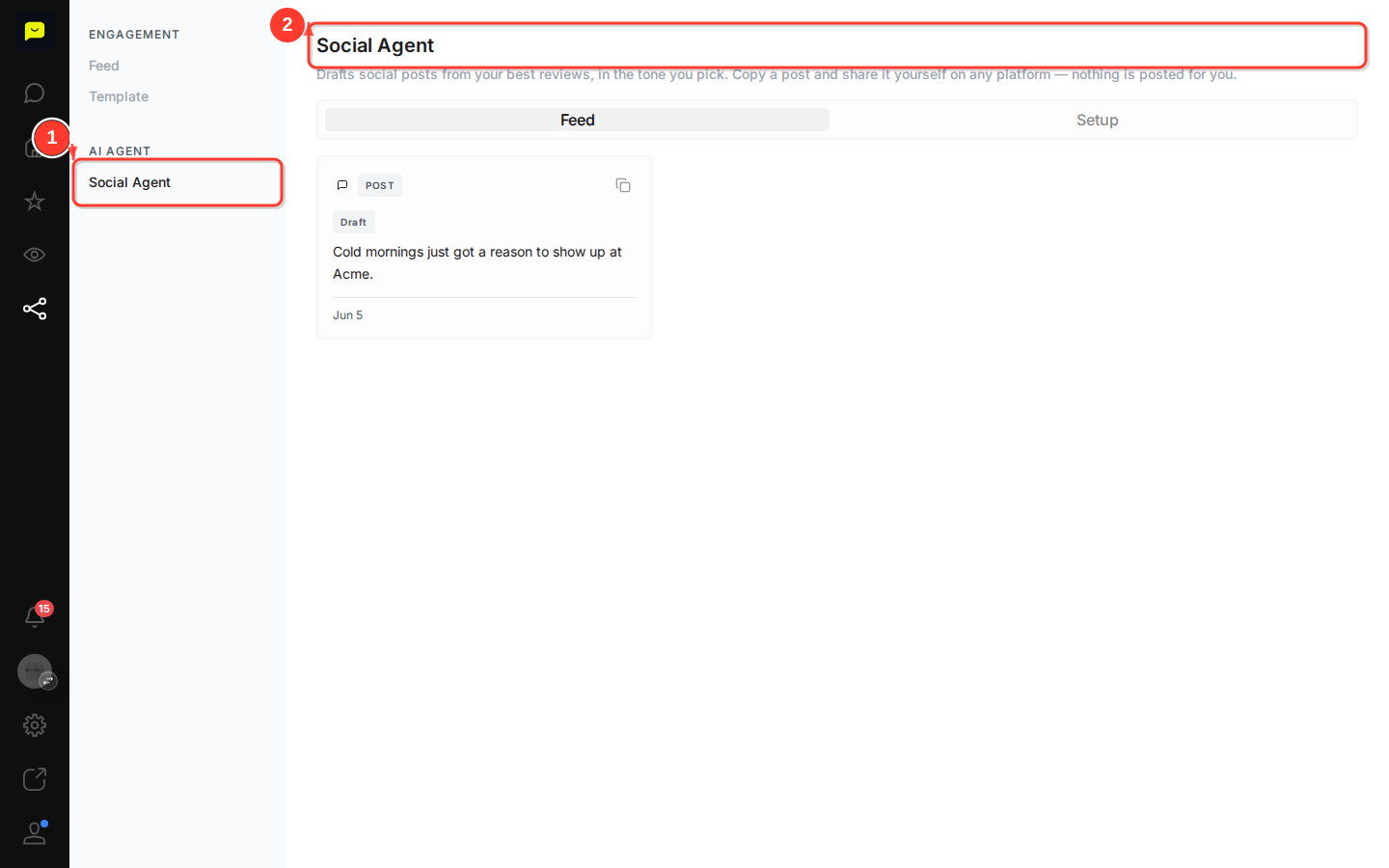
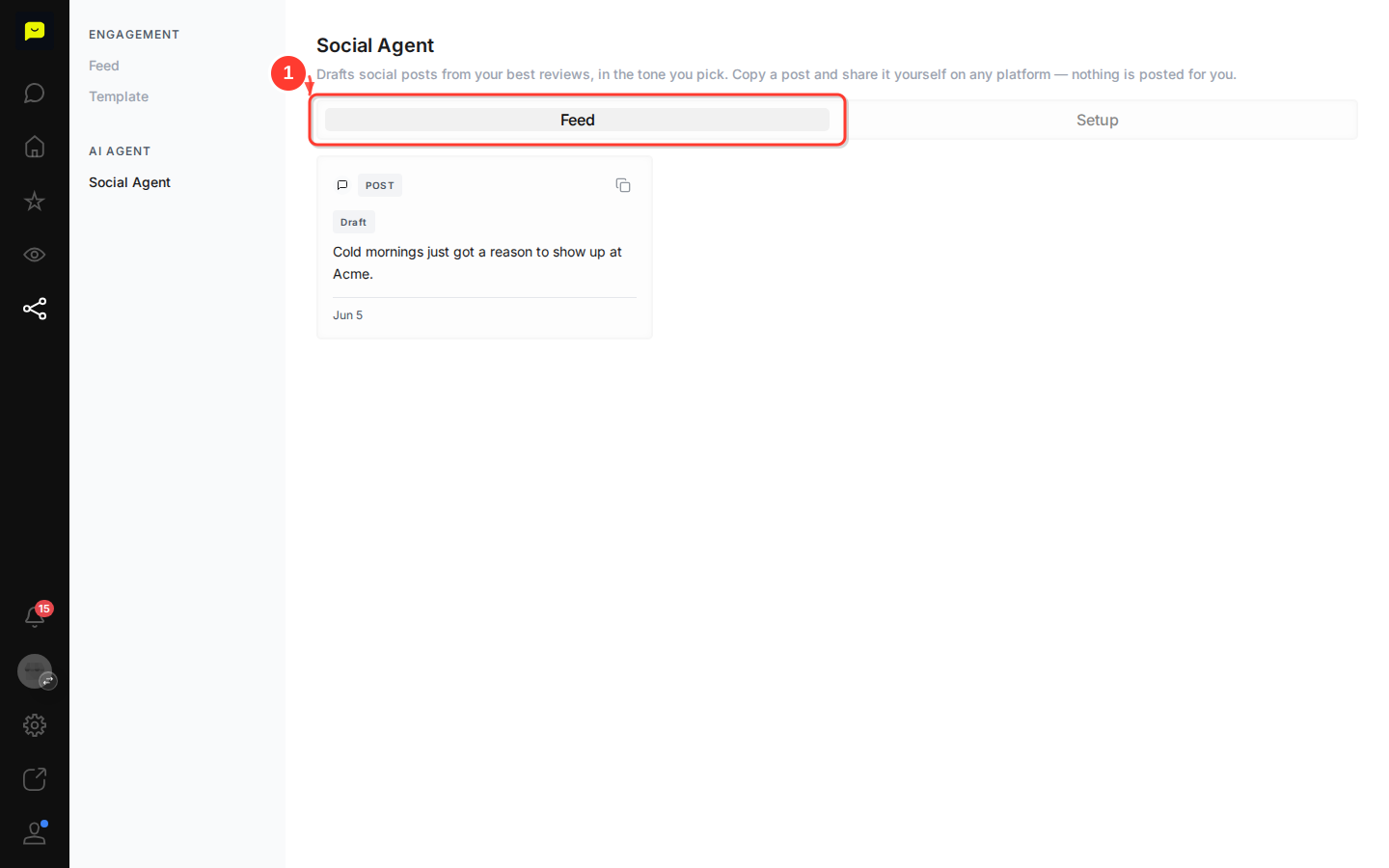
The Feed tab is active by default. It holds every post you've saved, each with its caption and the date you saved it. Saved posts carry a Draft badge. Praising can't publish to your pages yet, so the badge stays Draft even after you share a post yourself.
In the example feed, you'll see posts like "Cold mornings just got a reason to show up at Acme.", a caption drafted from a real customer review.
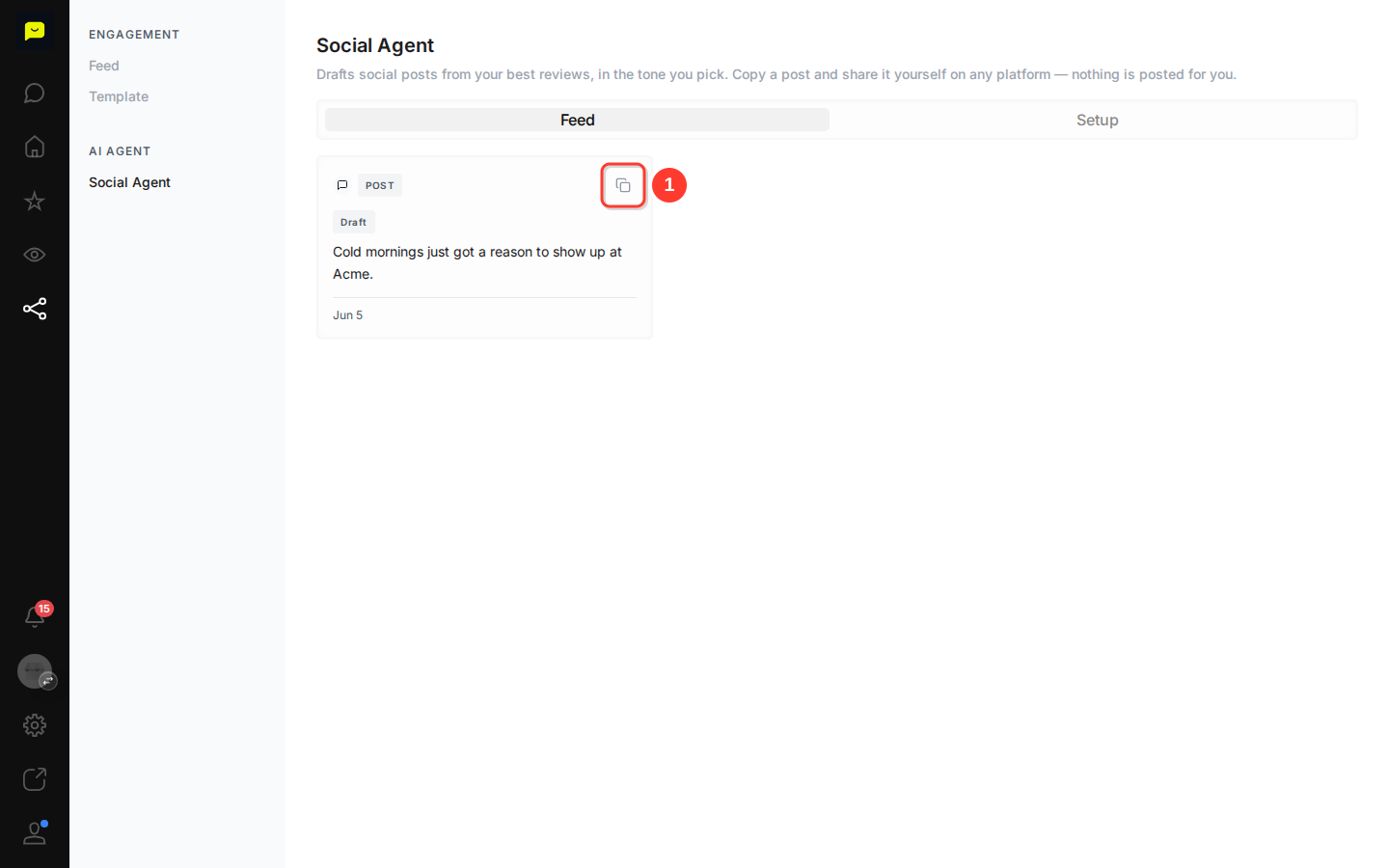
On any post card, click the Copy button (the clipboard icon). The caption lands on your clipboard, ready to paste into Facebook, Instagram, an email newsletter or the scheduling tool you already use.
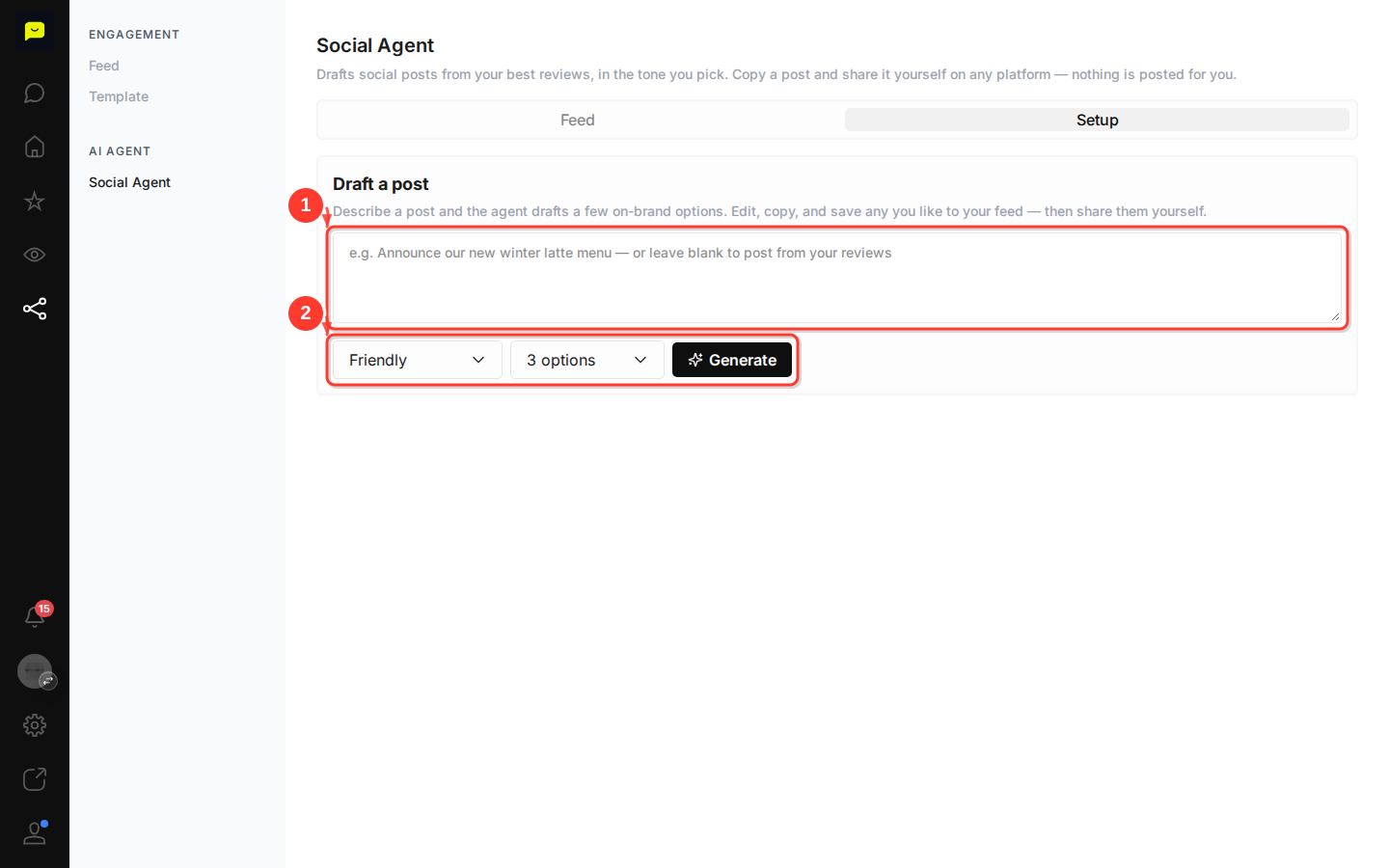
Click the Setup tab. Describe the post you want, or leave the box blank and the agent works from your reviews. Pick a tone (friendly, professional, playful or warm) and how many options you'd like, then click Generate. Edit any option in place, copy it, or save it to your feed.
The Facebook and Instagram buttons live under Settings → Integrations, on the Social Media tab. Publishing to them isn't available in Praising yet, so those buttons can't connect an account today. The Copy button is how posts get shared.

Now that your Social Agent is set up, here are a few ways to get more from Praising.ai:
How to reply to customer reviews: stay on top of your reputation by responding to reviews directly from your dashboard.
How to set up auto-campaigns for review requests: the more reviews you collect, the more the Social Agent has to work with.
How to set up integrations with other platforms: connect Google and Trustpilot, and link your other review sites.