Responding to reviews shows customers you're listening, and it signals to search engines that your business is active. In Praising.ai, you can write a reply to any review from the Reviews page, edit or delete it, and filter your inbox to focus on reviews that still need a response. With your Google listing connected through Google Login, a reply to a Google review posts straight to Google; for other sites, you paste the reply there yourself.
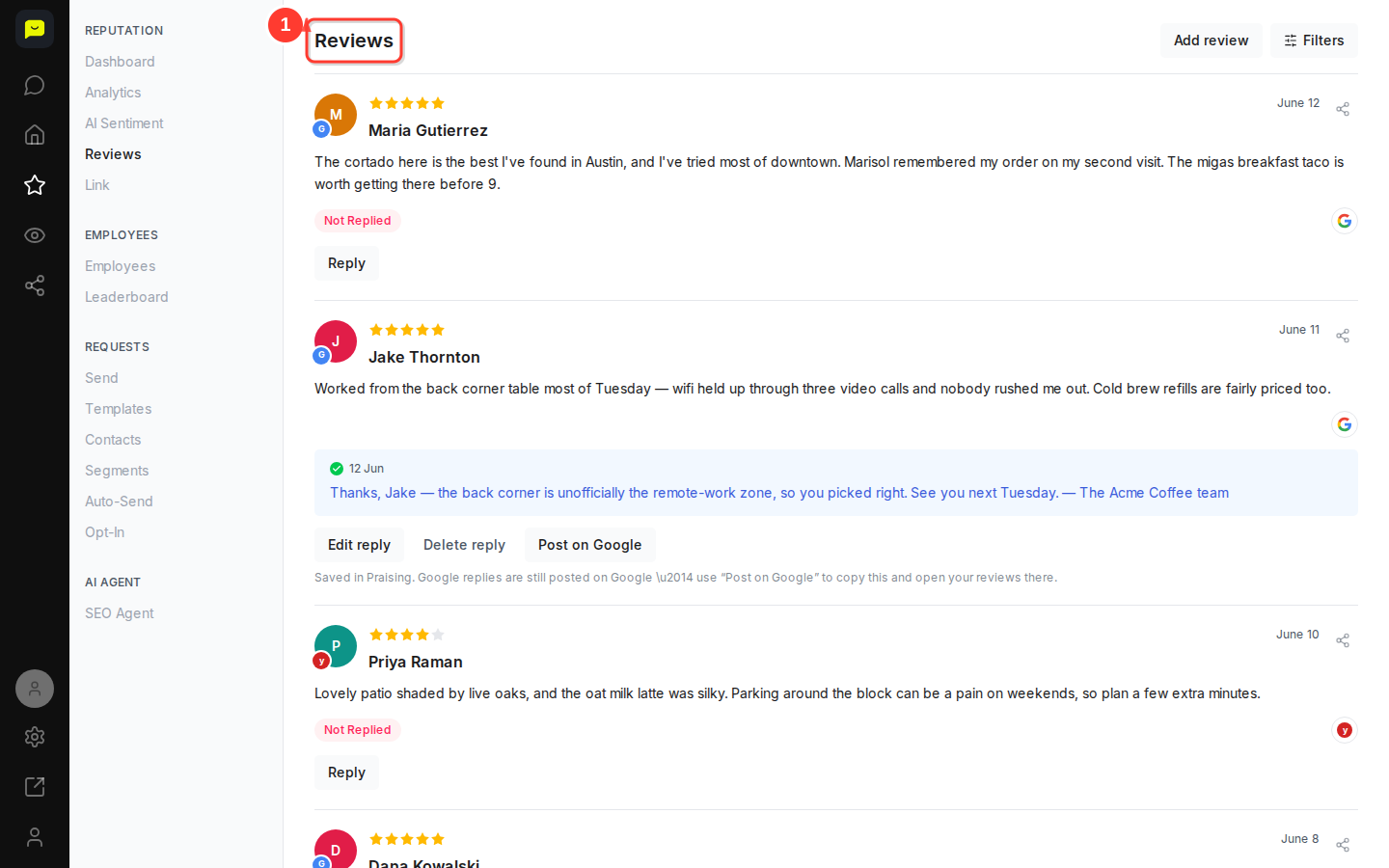
In the left-hand navigation, open Reputation and click Reviews, or go to https://app.praising.ai/dashboard/reputation/reviews. Your reviews load newest first, showing each reviewer's name, star rating and review text. A review that still has a Reply button under it hasn't been answered yet, so tackle those first.
Click the Filters button near the top-right of the page. Use the Not Replied filter to surface only reviews still waiting for a response. This keeps your workflow focused so nothing slips through.

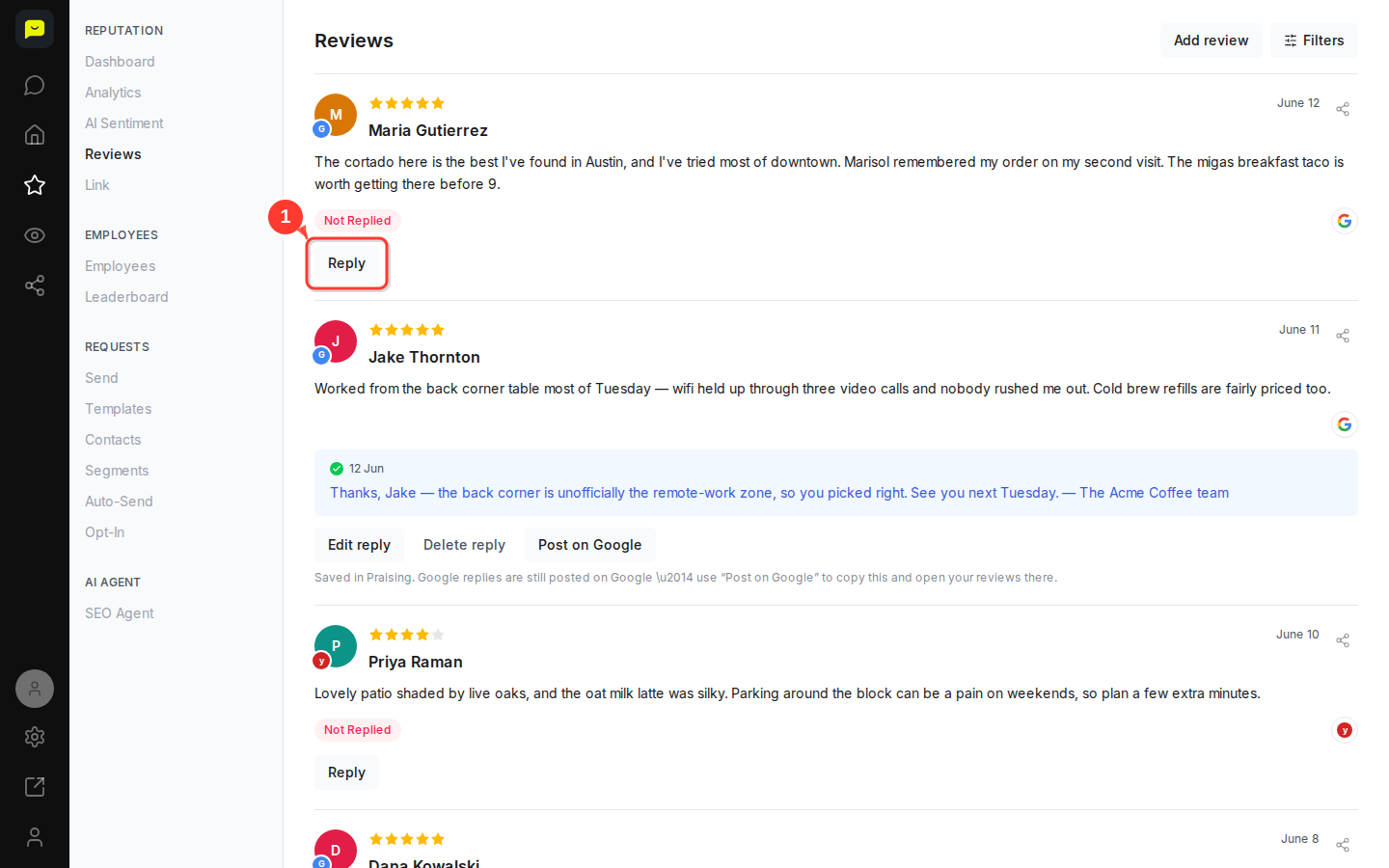
Find the review you want to respond to, for example Maria Gutierrez's five-star cortado compliment from June 12, and click the Reply button beneath it. A text input area will appear inline, directly below the review.
Type your response in the reply box. Keep it personal and specific. Reference something the reviewer actually mentioned, the way the Acme Coffee team did for Jake Thornton: "the back corner is unofficially the remote-work zone, so you picked right." When you're happy with it, click Save reply. On a paid plan, Draft with AI writes a first draft for you to edit.
Your reply appears beneath the review with today's date. If your Google listing is connected with Google Login under Settings → Integrations, a reply to a Google review posts straight to Google. Otherwise it is saved in Praising only: on a Google review, click Post on Google to copy it and open your Google reviews, and for any other site, paste it on that site yourself.
Already replied but want to update your wording? Click Edit reply beneath the reply, make your changes and click Save reply. To remove a reply, click Delete reply. It is removed straight away, with no confirmation step, and only from Praising: a reply that is already on Google or another site stays there until you delete it on that site.
Both options are visible on replies like those for Jake Thornton (June 11), Dana Kowalski (June 8), and Tom Whitfield (June 3).
For reviews worth amplifying, like Priya Raman's patio write-up or Allie Brennan's breakfast taco shoutout, click the Share review button at the top right of the review card. It opens your device's share options, or copies the review with a link to a shareable card of it, so you can turn great feedback into content quickly.
Once you've got your reply workflow down, these articles will help you get even more from your review management:
How to understand your review dashboard: learn how to read your overall reputation health at a glance
How the SEO Agent works: let AI draft a reply to each new review, then approve each one before anything is posted (paid plans)
How to send your first review request: keep new reviews flowing in so your feed stays fresh and your rating stays strong
