
A review widget puts your customer feedback on your website, where people can see it while they're already considering your business. Praising.ai's widgets display your reviews in a clean, readable format that helps visitors feel confident about choosing you.
Prerequisites
Active Praising.ai account with reviews collected
Access to your website's HTML or content management system
Steps
Navigate to the Widgets section
In the left-hand navigation, click Visibility to expand the section, then select Widgets underneath it. You'll land on the Widgets page at /dashboard/visibility/widgets, where your embed codes live.
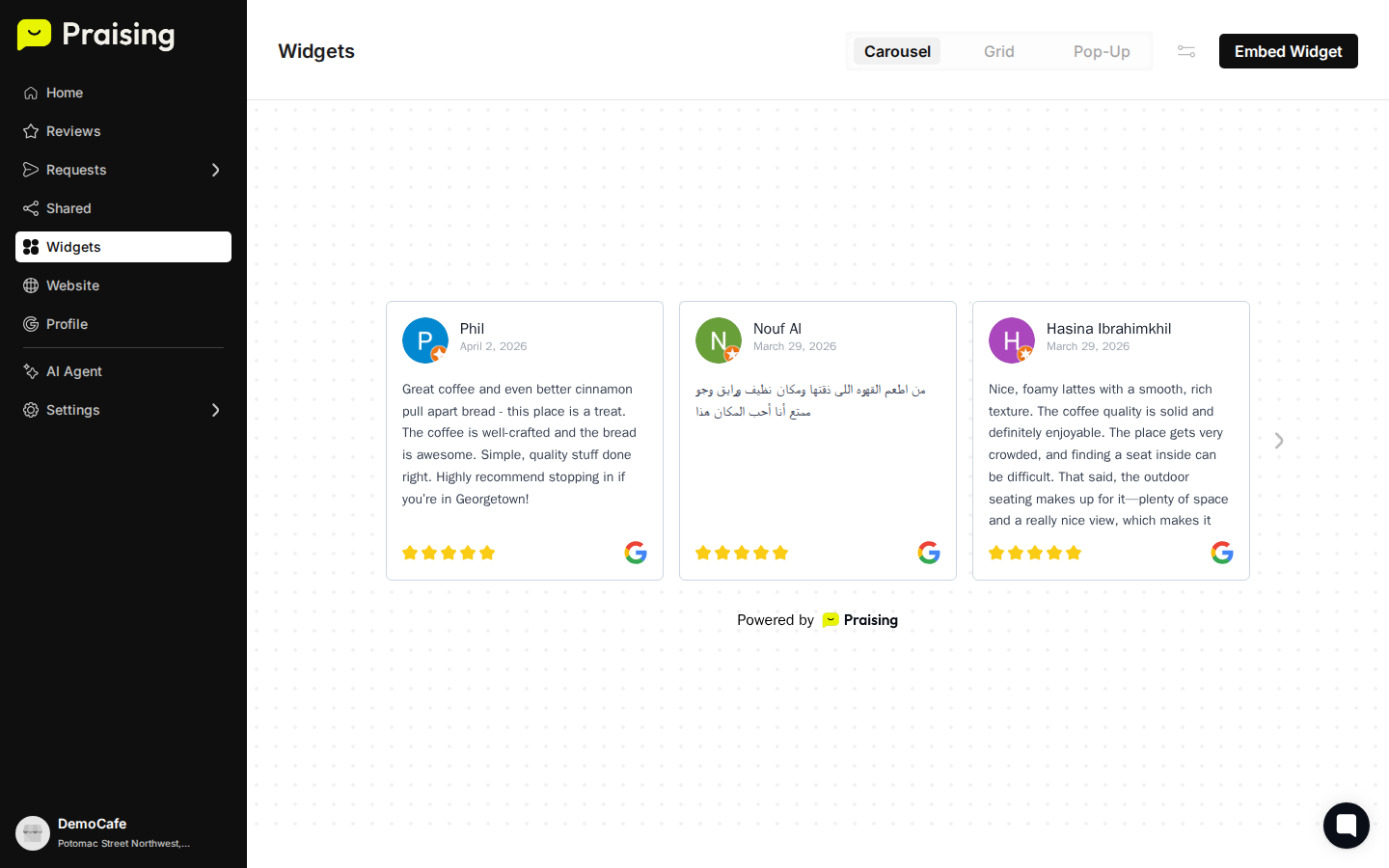
Choose your widget style
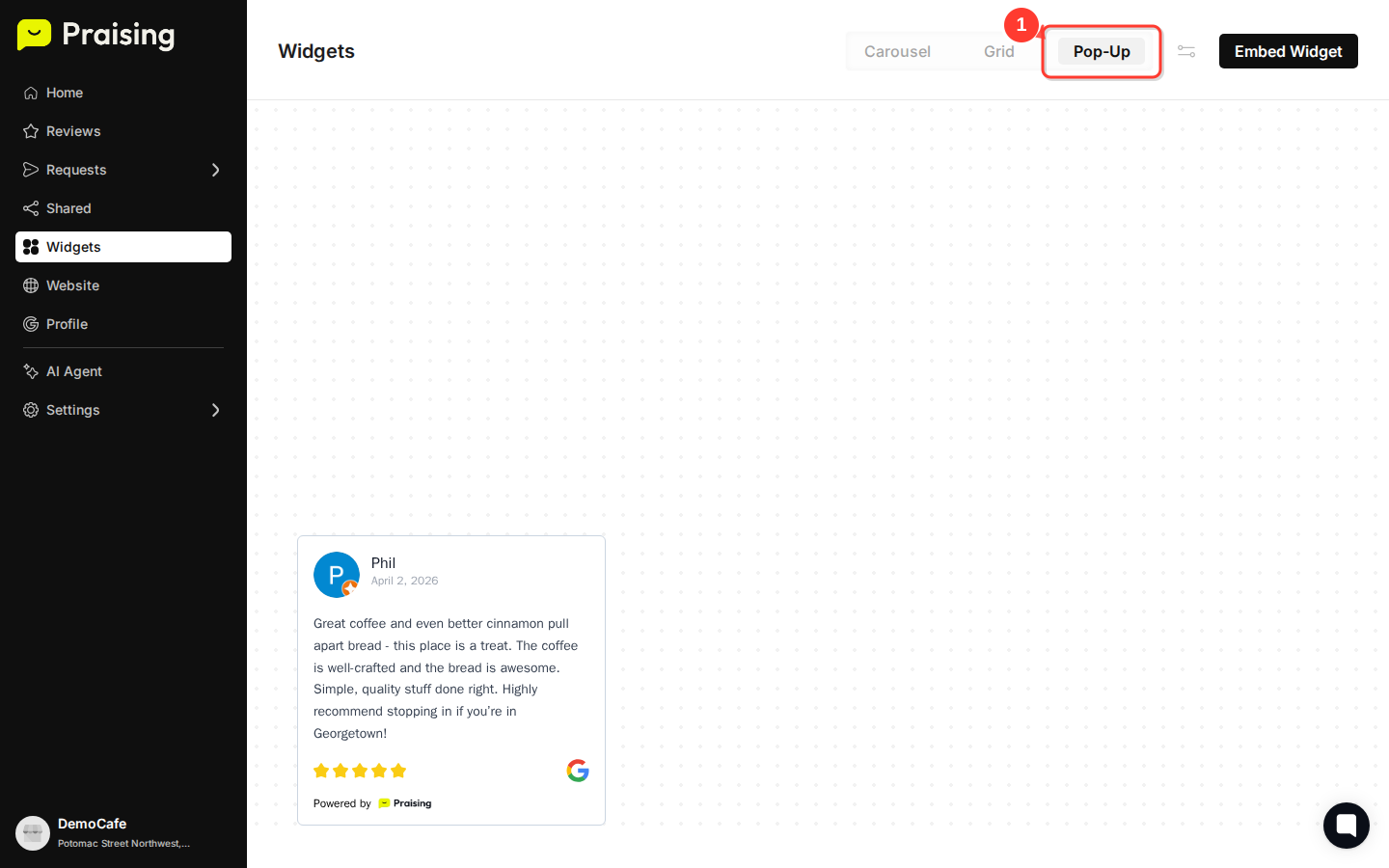
At the top of the Widgets page, select Carousel, Grid, or Pop-Up depending on how you want reviews displayed. Each format suits different page layouts and amounts of available space.
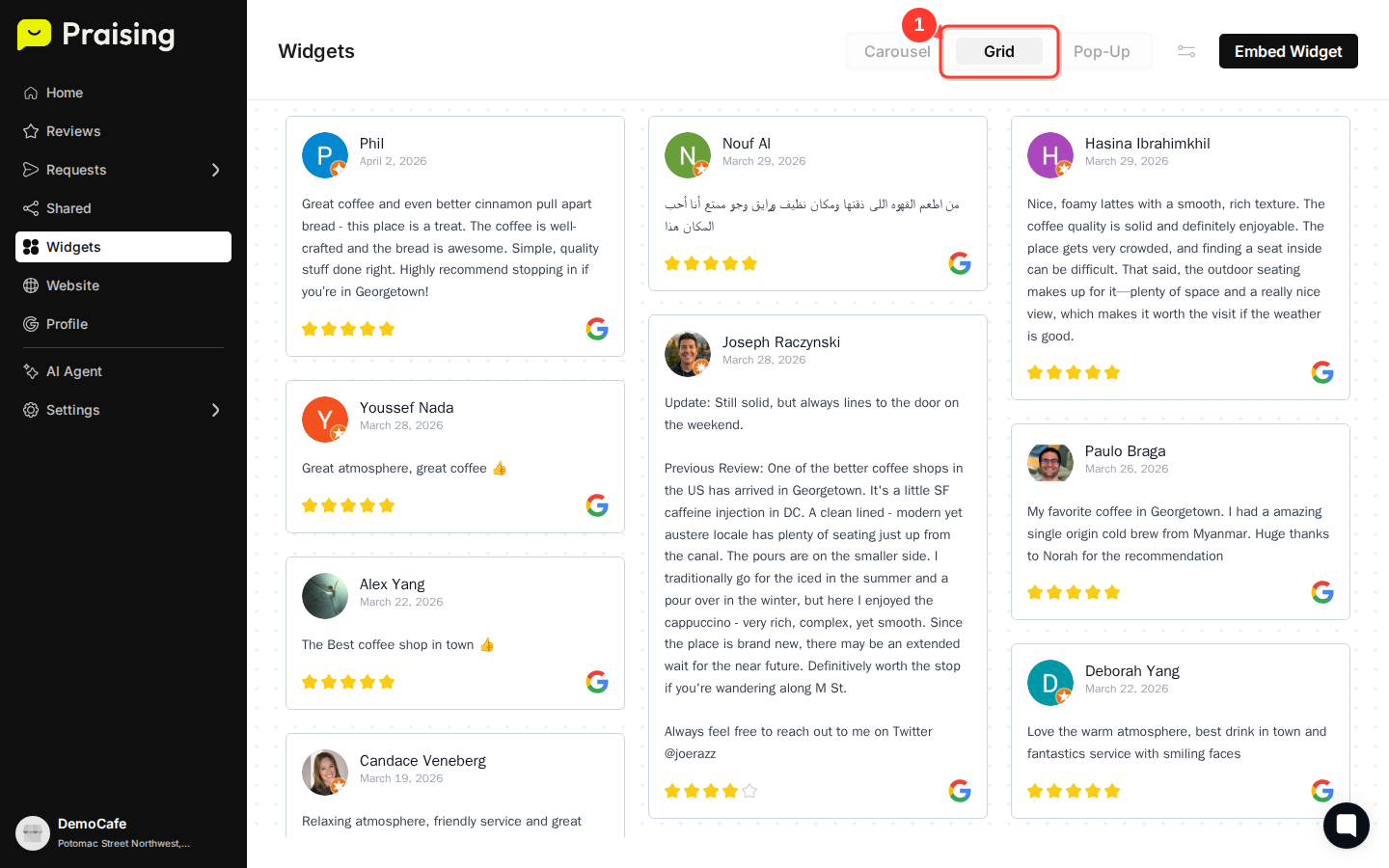
Preview your widget design
Once you pick a style, a live preview loads automatically below the style buttons. You'll see how the widget looks with your actual reviews, including star ratings, review text, and customer names.
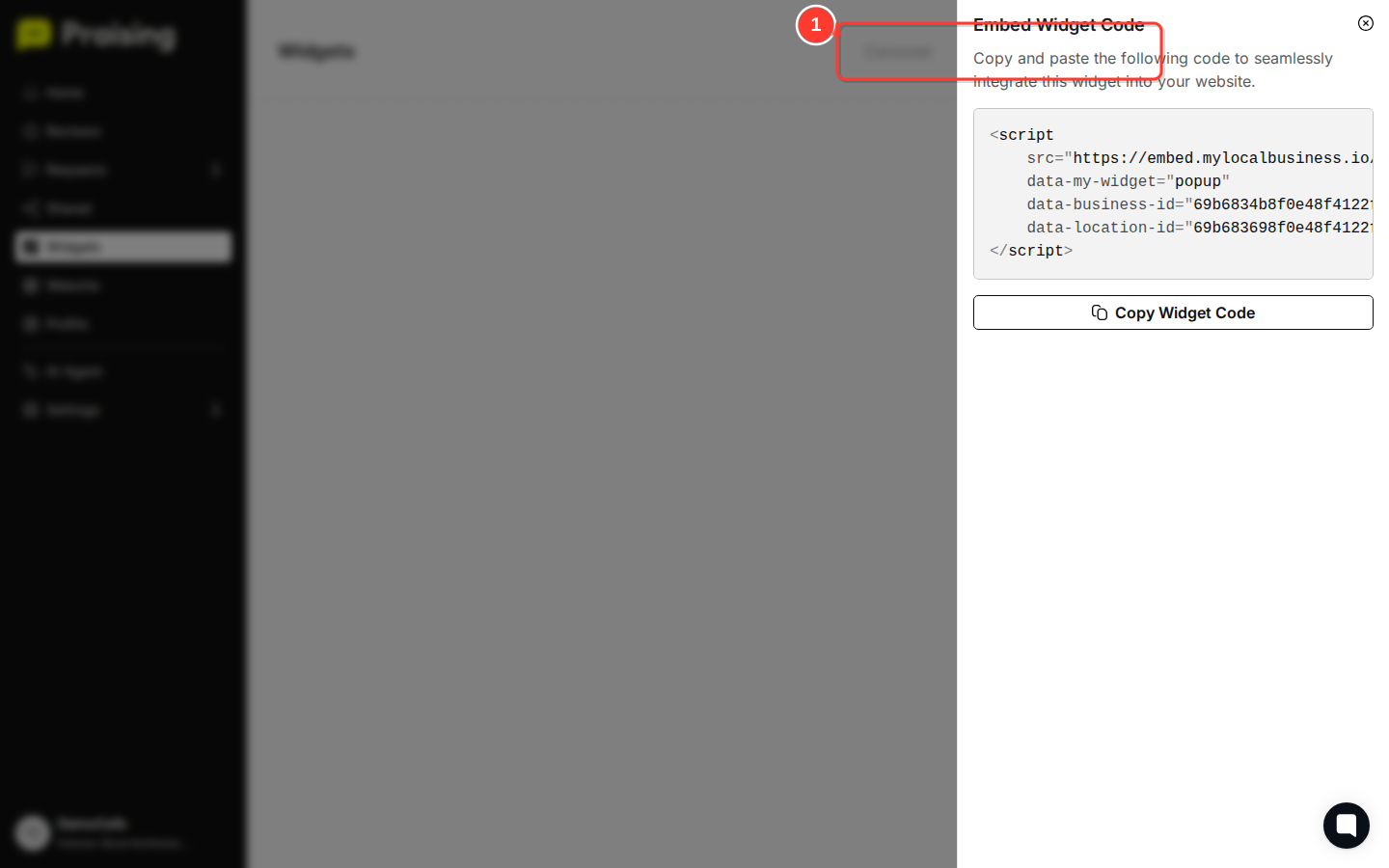
Generate your embed code
Click the Embed Widget button near the top of the page. This generates the HTML code for whichever style you selected.

Copy and install the code
Copy the embed code from the dialog that appears and paste it into your website wherever you want the reviews to show up. The widget pulls in your latest reviews automatically.

What's Next?
How to customize your review widget design - Personalize colors, fonts, and styling
How to filter and search your reviews - Control which reviews appear in your widget
How to connect your review platforms - Make sure all your reviews are included