Customizing your notification preferences keeps you informed about new reviews and customer feedback without constantly checking the dashboard. Praising.ai sends emails about new reviews, private feedback, video testimonials, rating changes and account alerts, plus a weekly report.
Set your notification email address
Navigate to Settings → Notifications in the left-hand navigation (under the Settings section, alongside Integrations, Limits, History, Locations, Team, Automate, Developers, Billing, and Account). If you're an owner or admin, you can enter one email address for your business's alert emails. Once it's set, those emails go there once instead of to each teammate's own address.
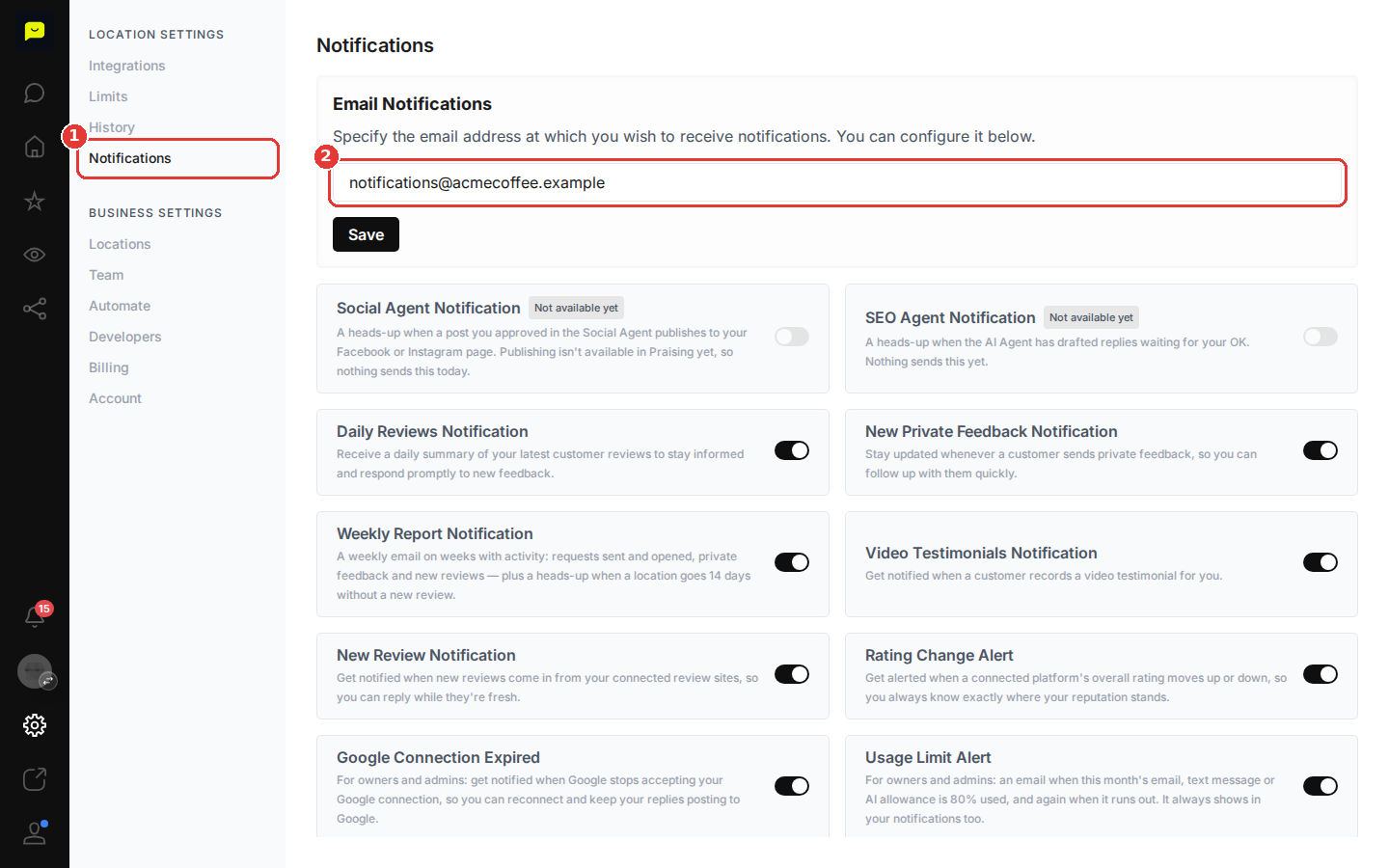
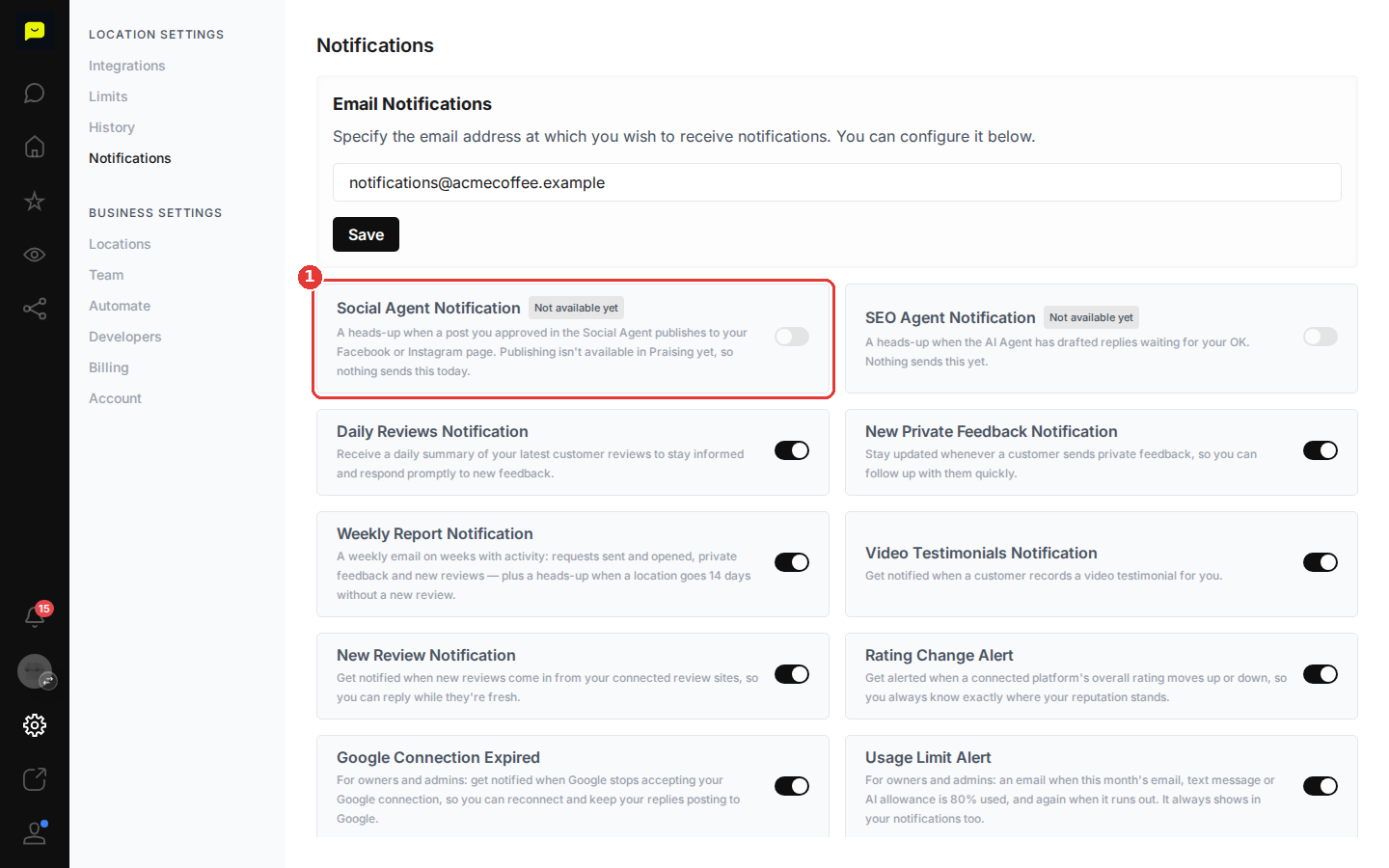
Note the Social Agent notification
Social Agent Notification is marked Not available yet. Publishing to your social pages isn't available in Praising yet, so the switch stays off and nothing sends this notification today.

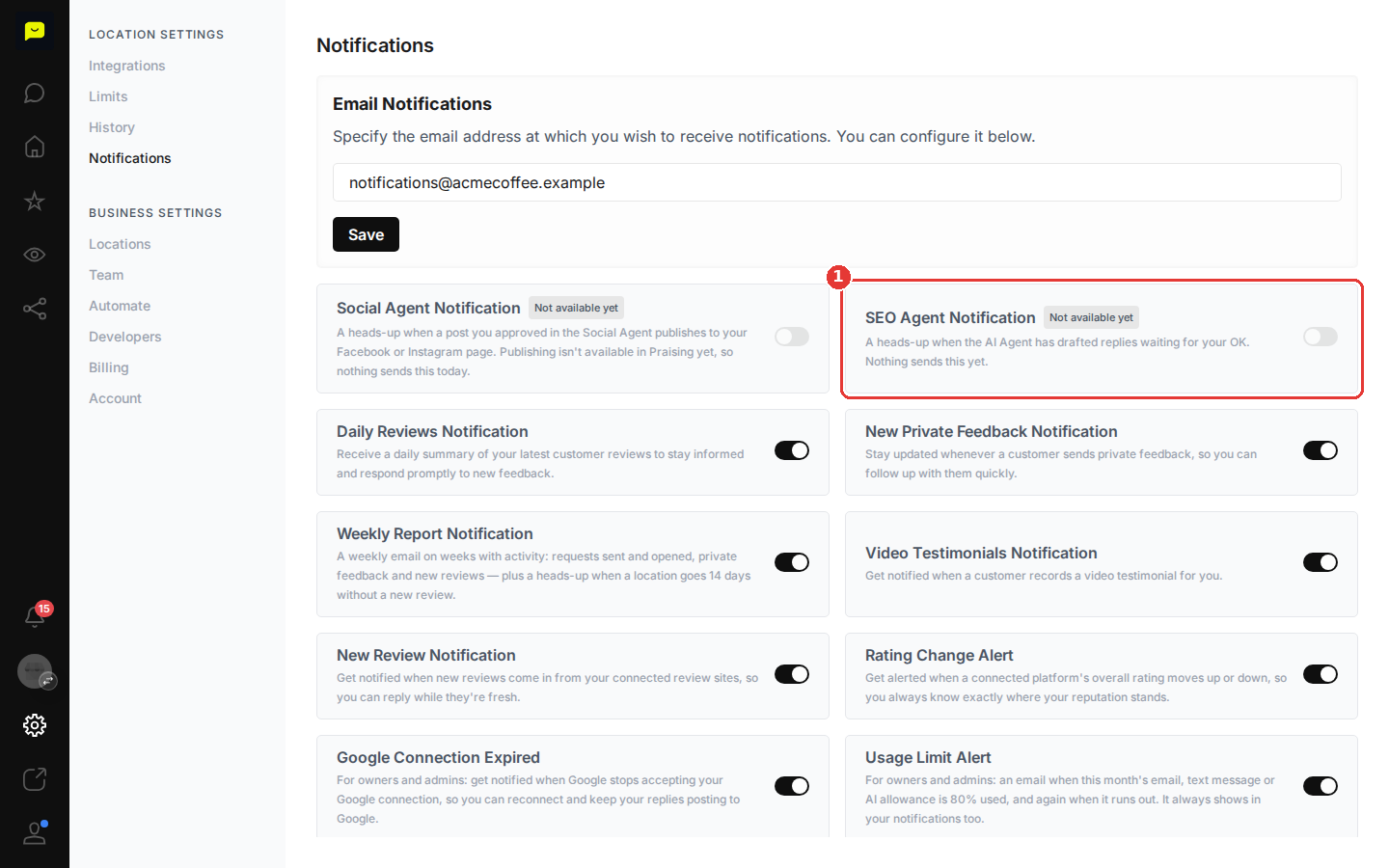
Note the SEO Agent notification
SEO Agent Notification is also marked Not available yet, so nothing sends it today. Instead, with auto-drafting switched on (the Enable SEO Agent switch, paid plans), your new-review emails can include the AI's reply drafts, and nothing is posted until you approve it.
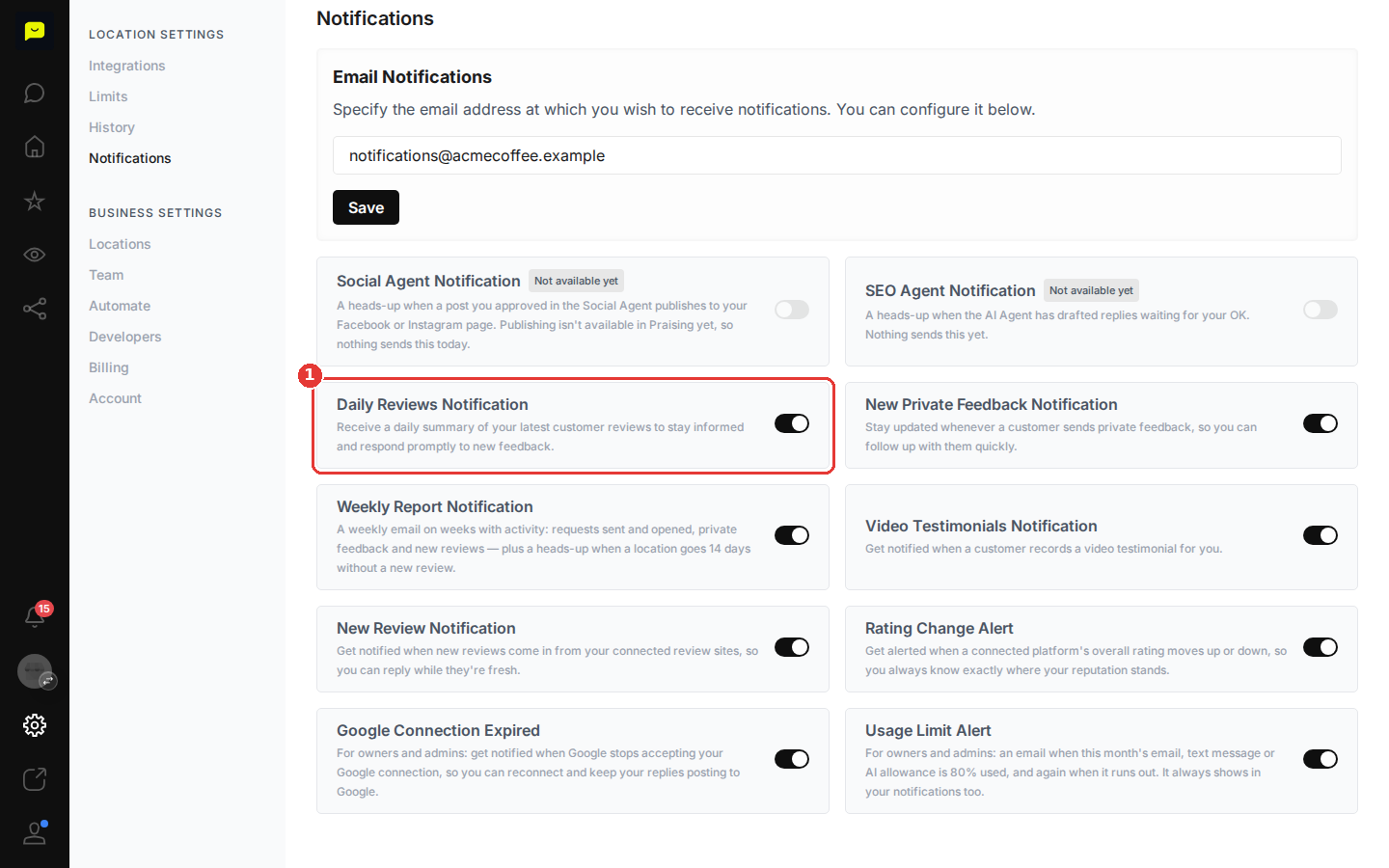
Set up review monitoring notifications
Turn on New Review Notification to get an email and an in-app alert when new Google or Trustpilot reviews come in. Praising checks for new reviews once a day. Daily Reviews Notification adds a once-a-day summary of your latest reviews to your in-app notifications.
Configure feedback and reporting alerts
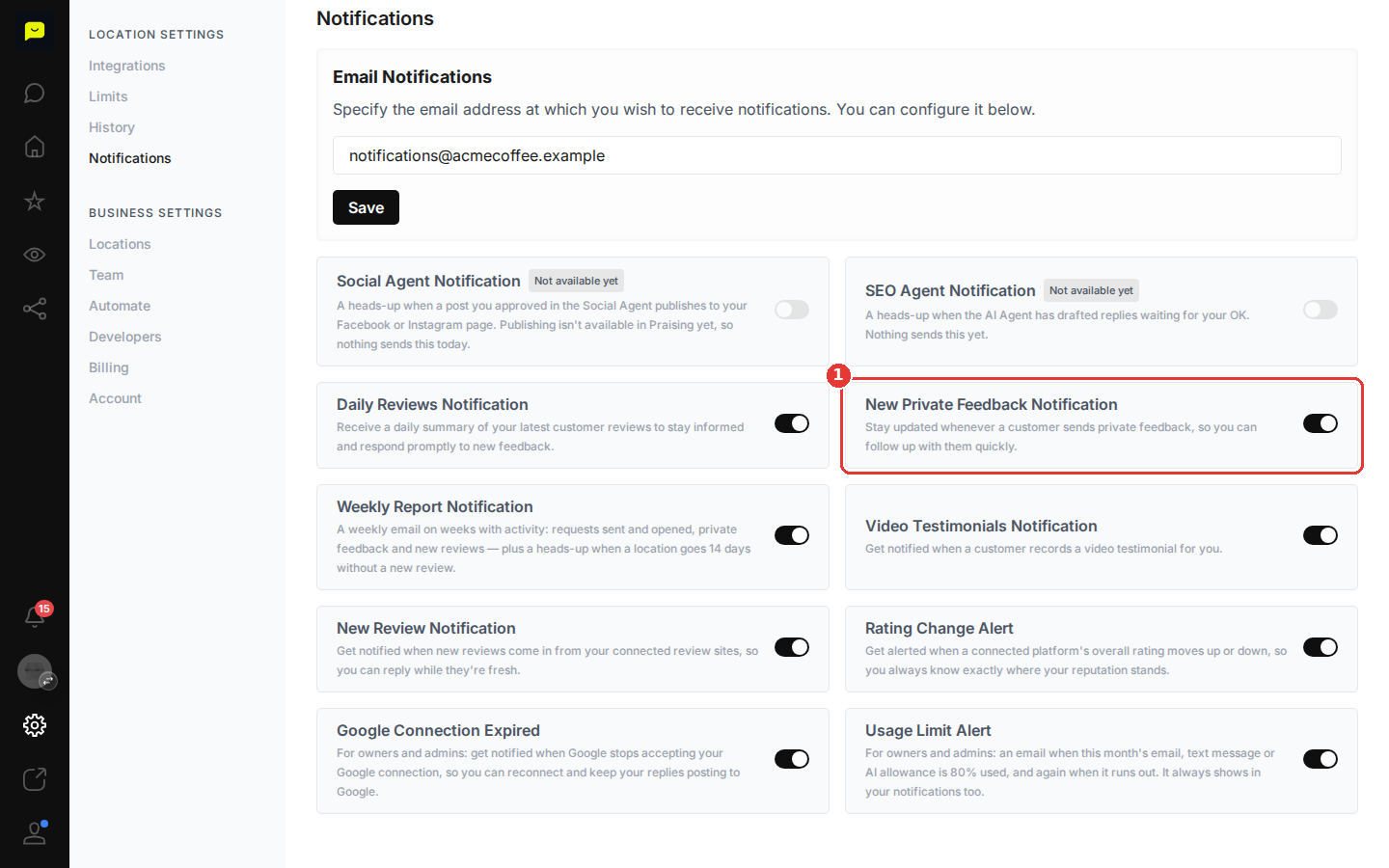
Toggle on New Private Feedback Notification to be notified when customers send private feedback, so you can address concerns before they become public reviews. You can also enable Weekly Report Notification for a Monday email, in weeks with activity, covering requests sent, review links opened, private feedback and new reviews.
Save your email configuration
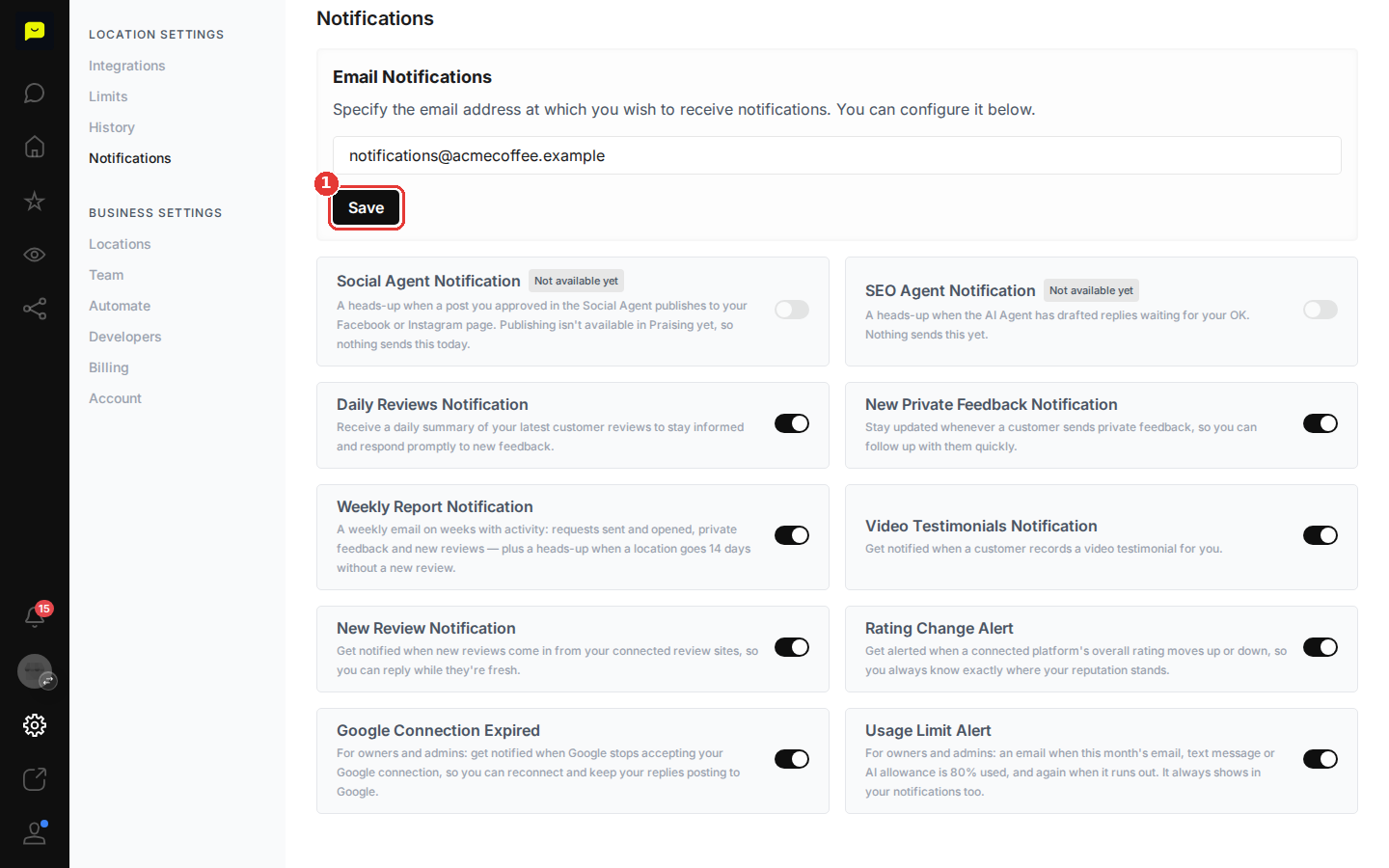
After updating the email address in the Email Notifications field, click Save to make sure notifications go to the right inbox.
The review and feedback notifications matter most today: after Praising's daily check, new reviews bring an email and an in-app alert, and private feedback alerts you right away.
Video Testimonials Notification is worth enabling if you collect video feedback, since those often need quick follow-up or can be repurposed in your marketing. If you're an owner or admin, it's also a good idea to keep Google Connection Expired on, so you hear when Google stops accepting your connection and can reconnect to get your replies posting to Google again.
After configuring your notifications, read How the SEO Agent works to set the tone and instructions the AI's reply drafts follow. You can also set up review request campaigns to bring in more customer feedback.
Open notification settings →