
Managing reviews gets easier when you can find specific feedback quickly. Praising.ai's filters let you cut through the noise, whether you're looking for one customer's review, a particular star rating, or reviews that still need a reply.
How to access and use review filters
Open the Filters panel
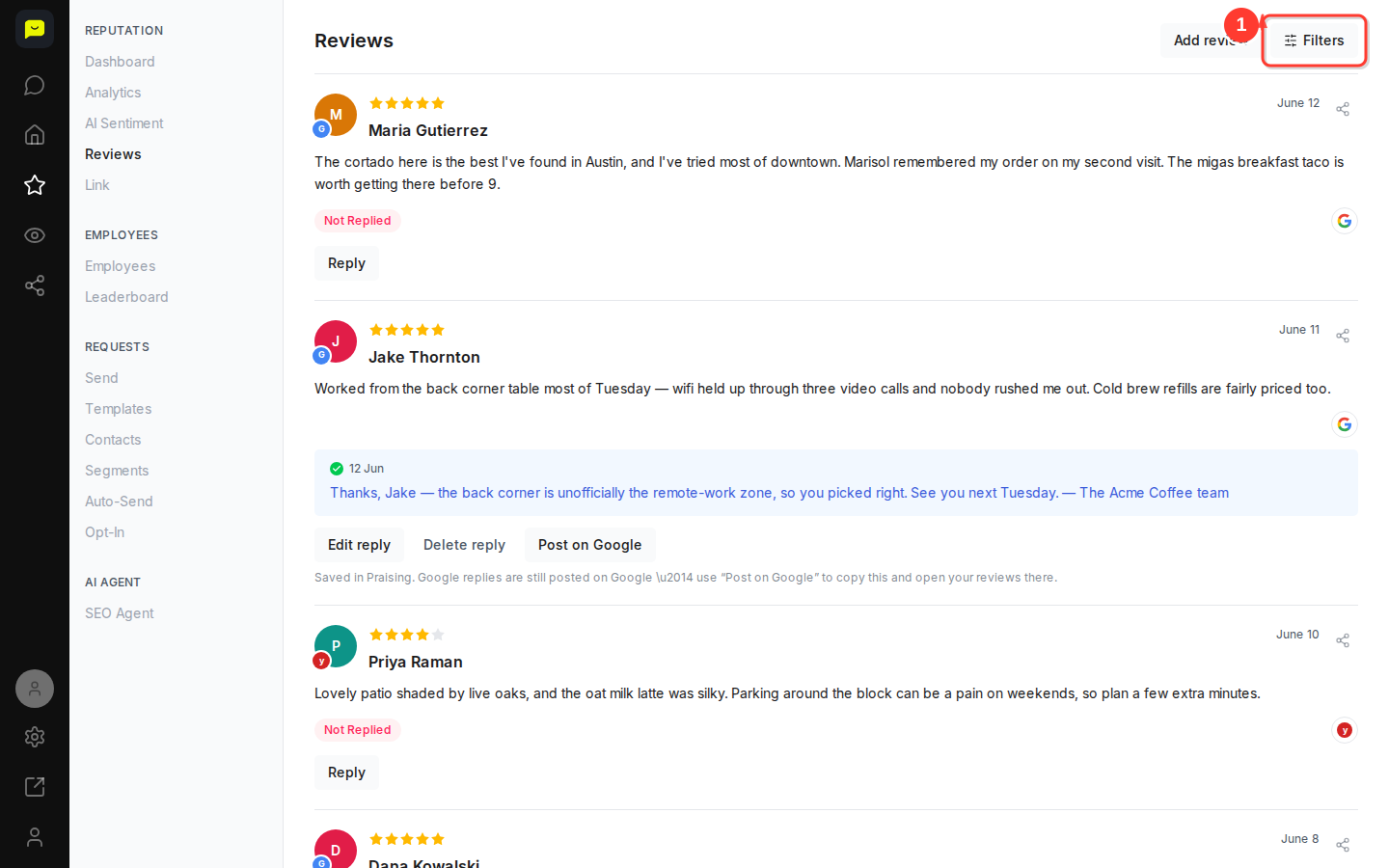
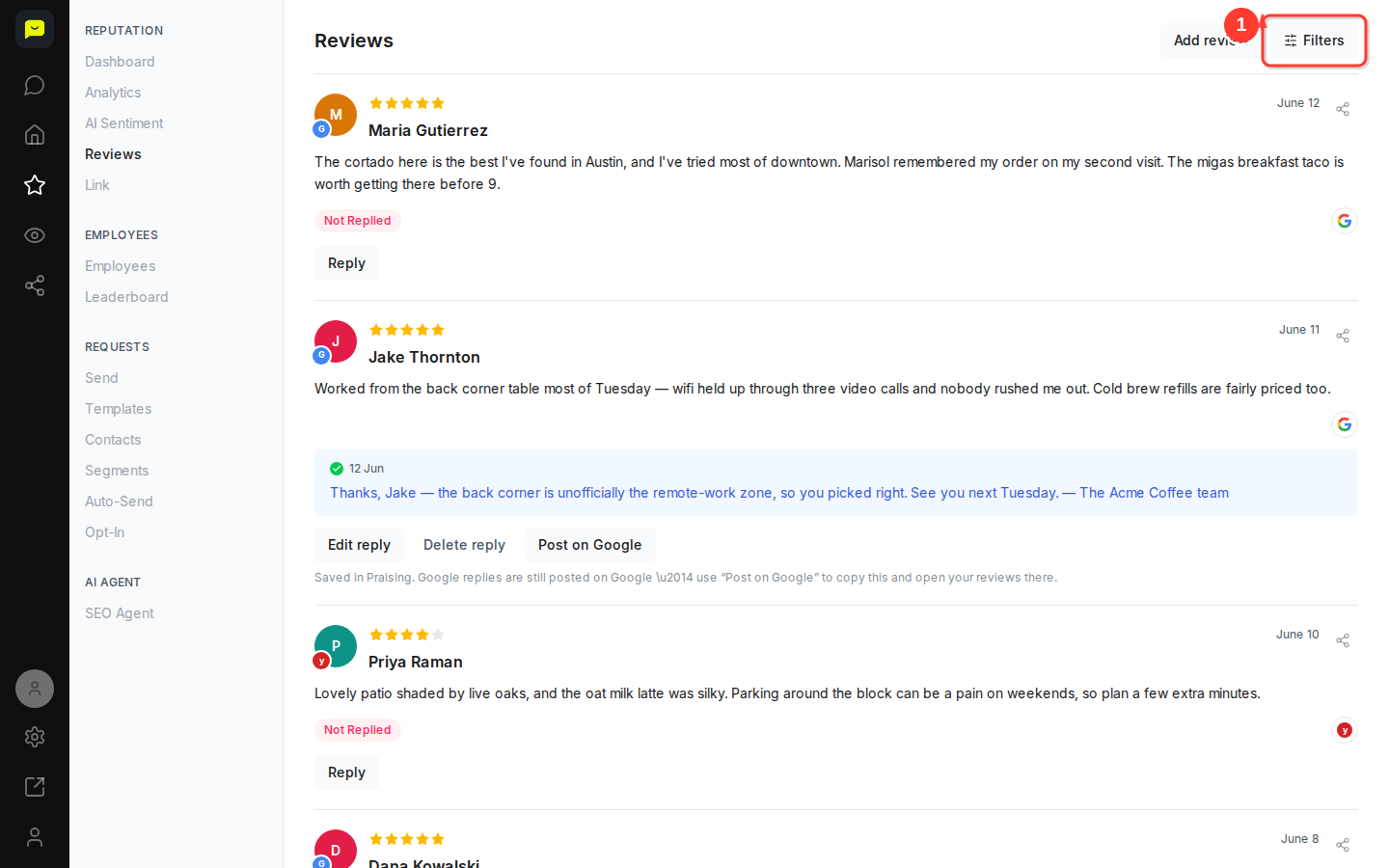
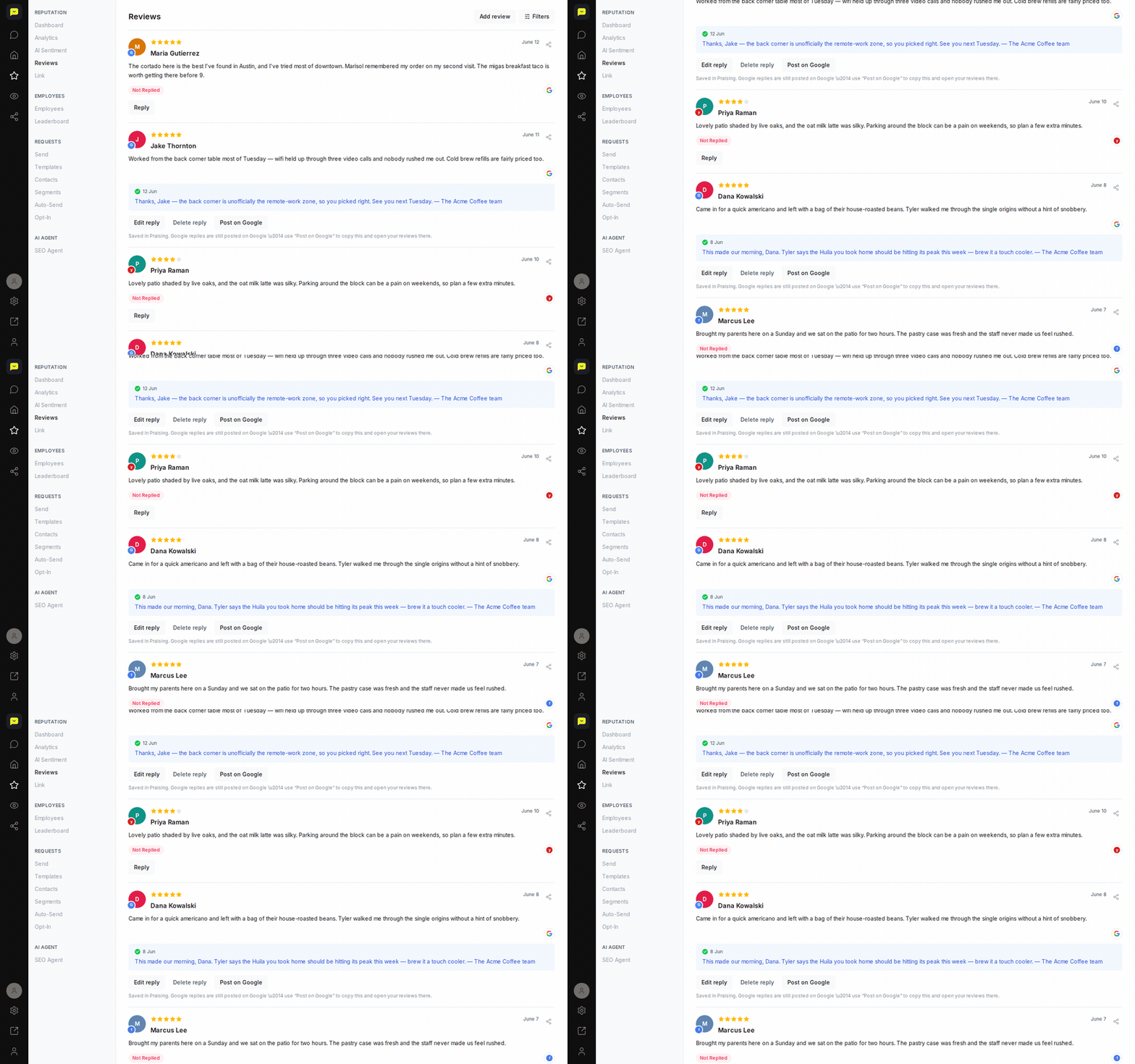
In the left-hand navigation, expand Reputation and click Reviews to go to /dashboard/reputation/reviews. Once on the Reviews page, click the Filters button at the top right. This opens the Filter Reviews panel, where you can narrow the list by reviewer name, reply status, review type, star rating or review site.
Search by reviewer name
Type a name in the Reviewer Name box to find one customer's reviews and private feedback. There's no date filter: reviews are listed newest first, so your most recent feedback is always at the top.
Filter by star rating
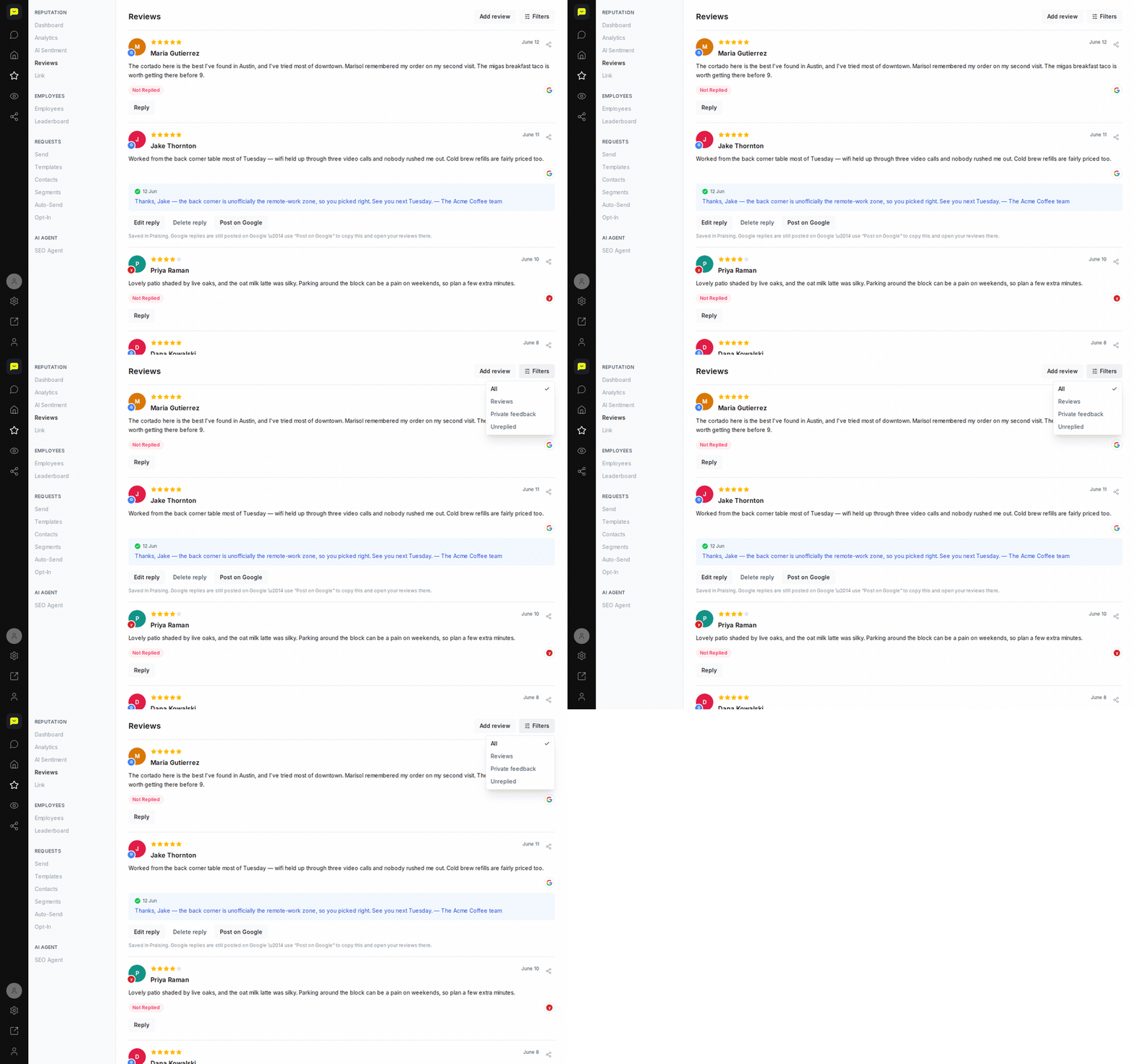
Use Min. Rating and Max. Rating to zero in on the reviews you care about. Set the minimum to 4 stars to find your happiest customers, or the maximum to 3 stars to find the ones that need a response.
Filter by response status
Under Answered, choose Answered or Not Replied. You can also click Unanswered above the review list to jump straight to the reviews still waiting for a reply, so nothing slips through.
Filter by review type or site
Under Review Type, choose Public reviews, Private feedback or Video Testimonials. Under Review Source, click a site's logo to see only its reviews. This is handy for spotting patterns on one platform or in your private feedback.
Review filtered results
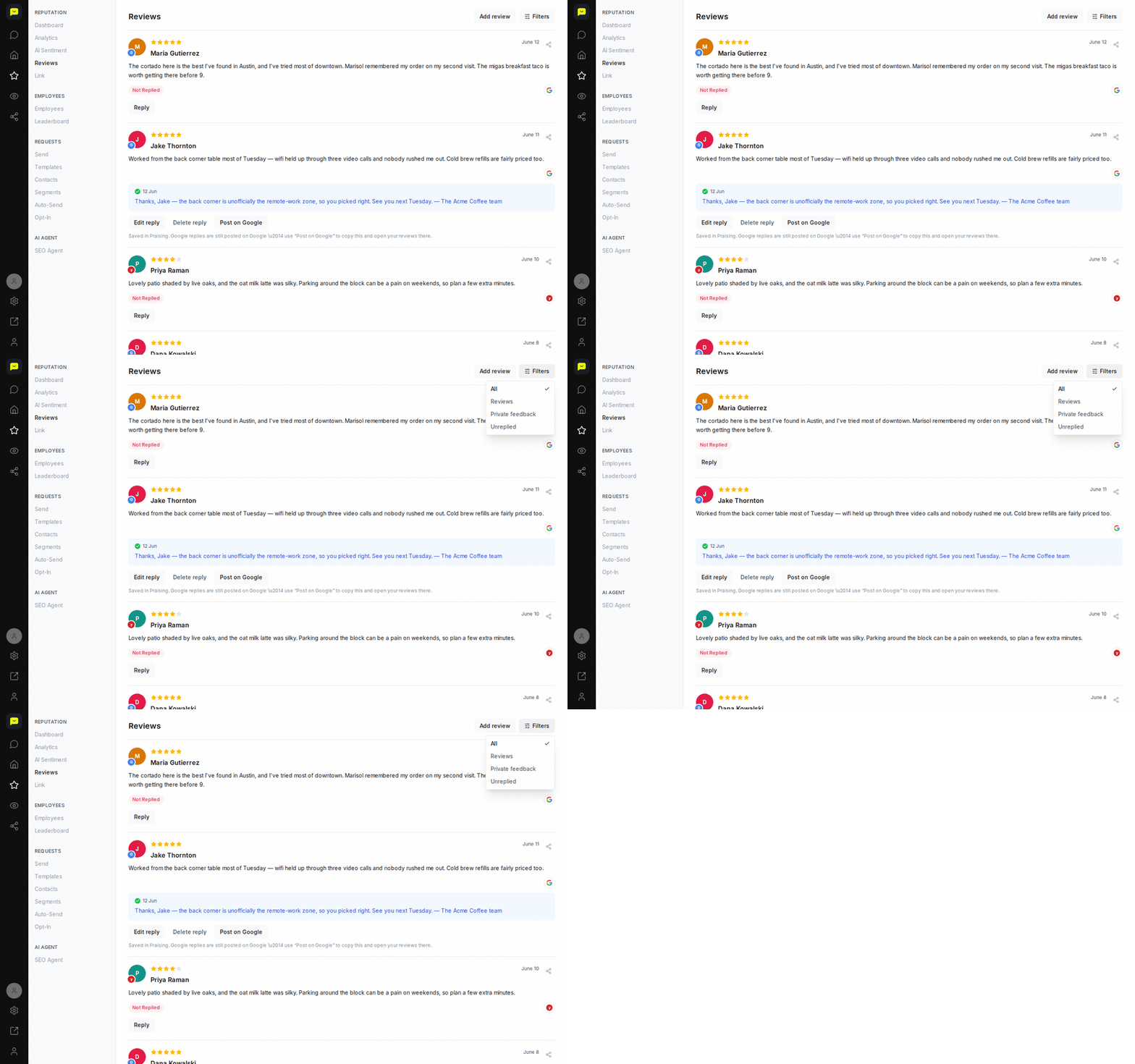
Scroll through the filtered list to see only the reviews that match your choices. The list changes as soon as you pick a filter, and Reset in the Filter Reviews panel clears them all.

What's Next?
Once you've found what you're looking for, you can reply to individual reviews to engage with customers. On a paid plan, once you switch on the SEO Agent, it drafts a reply to each new review for you to approve, which takes some of the manual work off your plate.
Open your reviews →